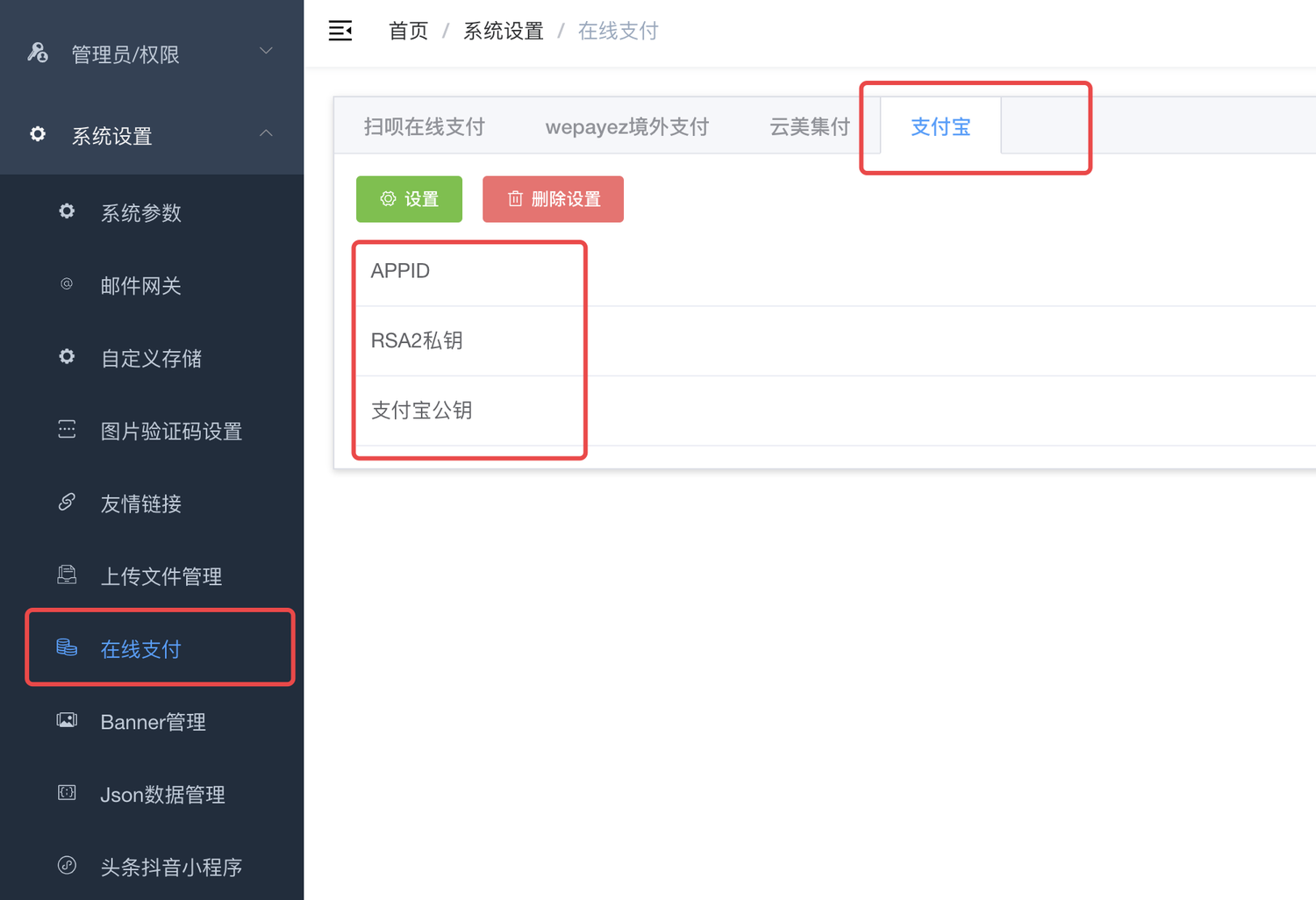
# Apply to activate payment function
[https://memberprod.alipay.com/account/reg/enterpriseIndex.htm](https://memberprod.alipay.com/account/reg/enterpriseIndex.htm)
Register and activate payment merchant function
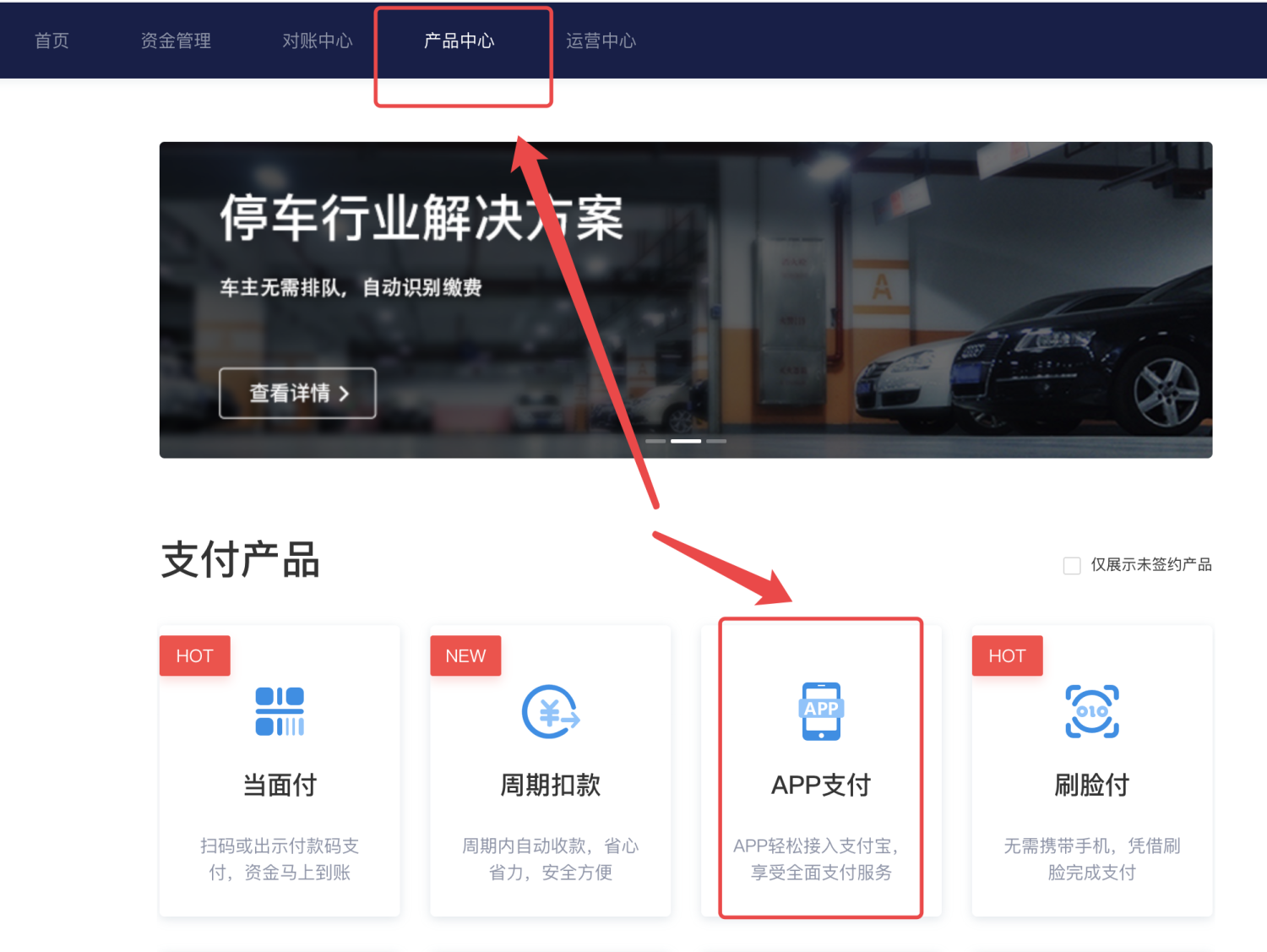
# Activate app payment
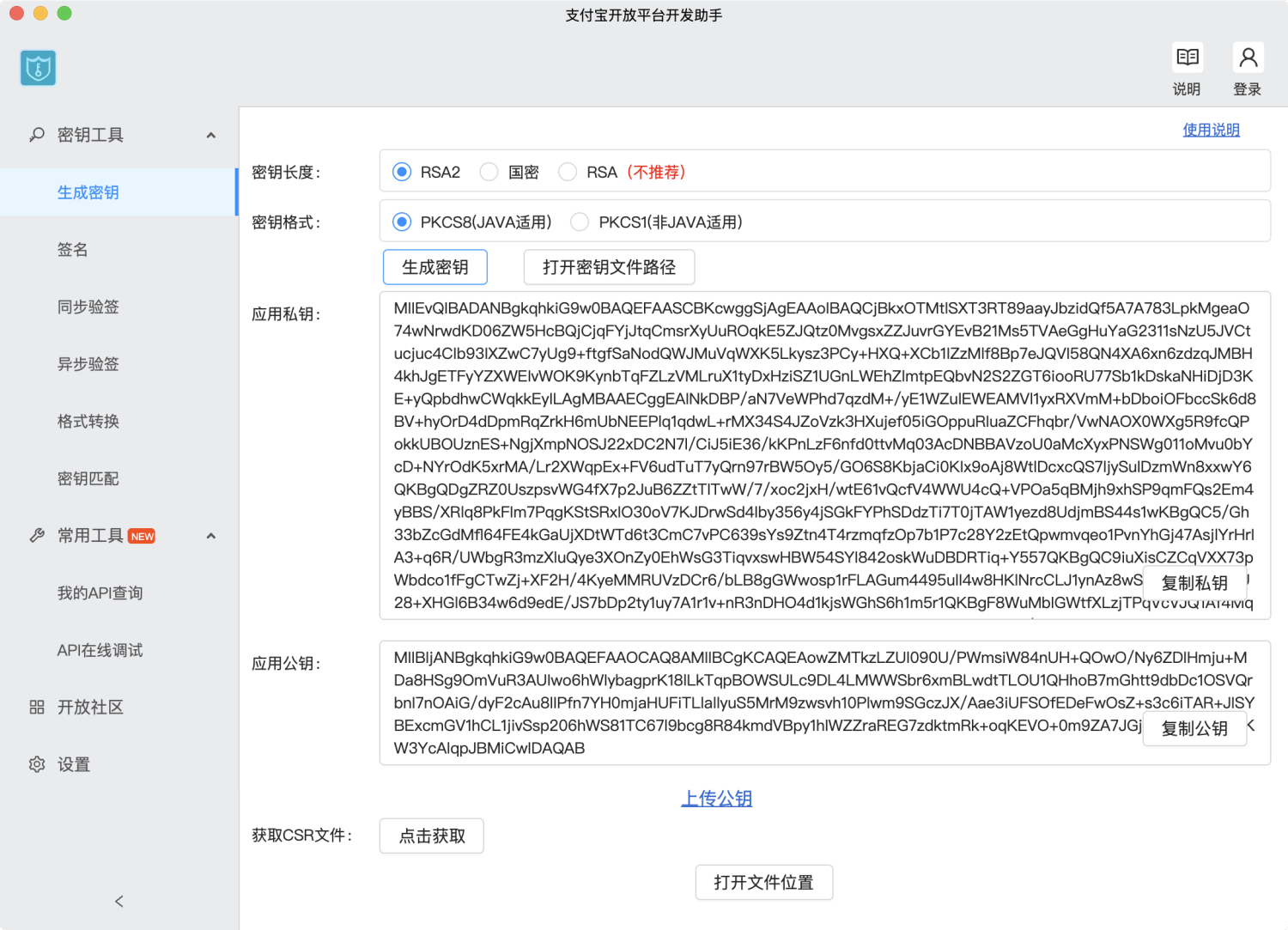
# Generate your own RSA public/private key
Alipay App payment only supports RSA signature, so you must first configure the public key and private key for APP payment:
[https://docs.open.alipay.com/58/103242](https://docs.open.alipay.com/58/103242)
The private key must be a private key of type pkcs8;
**Be sure to select RSA2 and not RSA**
****
# View Alipay’s public key and APPIDAfter logging in to open.alipay.com, find the application in the open platform management center to perform RSA/RSA2[Key configuration and obtaining Alipay public key](https://docs.open.alipay.com/291/105972)(ALIPAY_PUBLIC_KEY)。
Also upload the RSA2 public key you generated in the previous step:
[https://docs.open.alipay.com/291/105972](https://docs.open.alipay.com/291/105972)
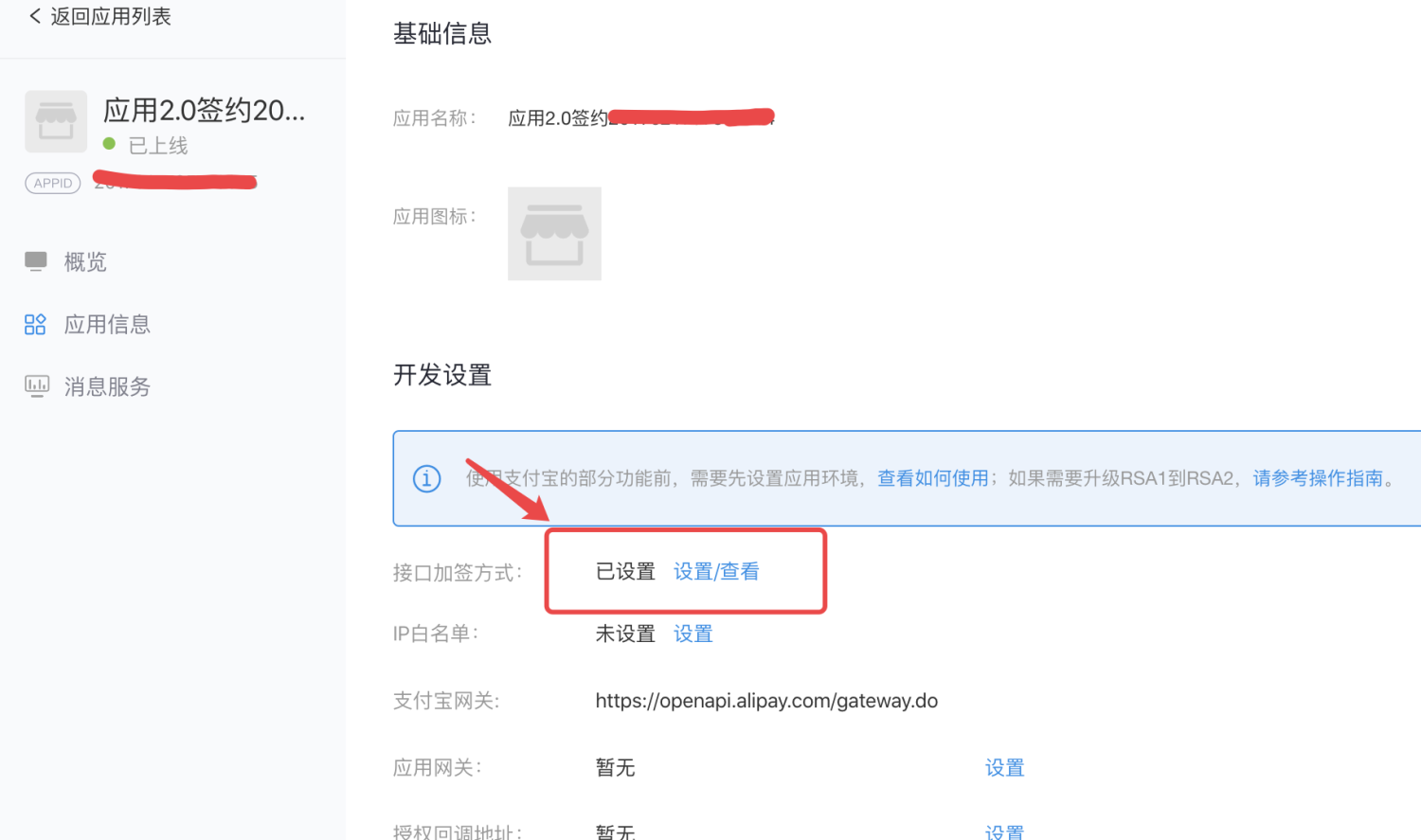
Record the figure on the left**APPID**, will be used next;# Configure payment