Generate user-specific public account QR code for promotion
Help documentationUpdate anytime
Generate a QR code with parameters for the public account and write the user information. After other users scan the QR code, open the public account interface, click Follow and automatically register and establish an invitation relationship between the two parties.
If the three-level distribution function is enabled, user distribution relationships will also be established.
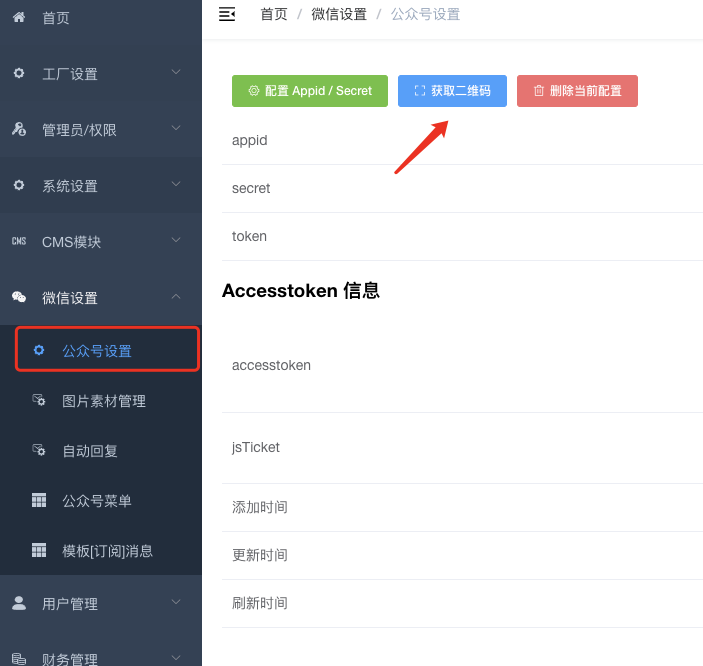

Please fill in the QR code parameters as follows:
```javascript
invite:1432007
```
Among them, **1432007** This is the user number of the invited user. You can go to user management to view the user's number.
Configure public account messages to be pushed to “apifm”
["**Message push to apifm configuration**"](https://www.yuque.com/apifm/doc/yqmmlo)
Operation completed