# Preface
This tutorial is based on the "apifm-wxapi" module and teaches you how to quickly implement small program development, so you may need to understand the following knowledge points first:
["Creating HelloWorld Project"](https://www.yuque.com/apifm/doc/hezlrm)
["Use "apifm-wxapi" to quickly develop small programs"](https://www.yuque.com/apifm/doc/mdldsd)
["Register for free to open the backend and obtain an exclusive domain name"](https://www.yuque.com/apifm/doc/qr6l4m)
# Function introduction
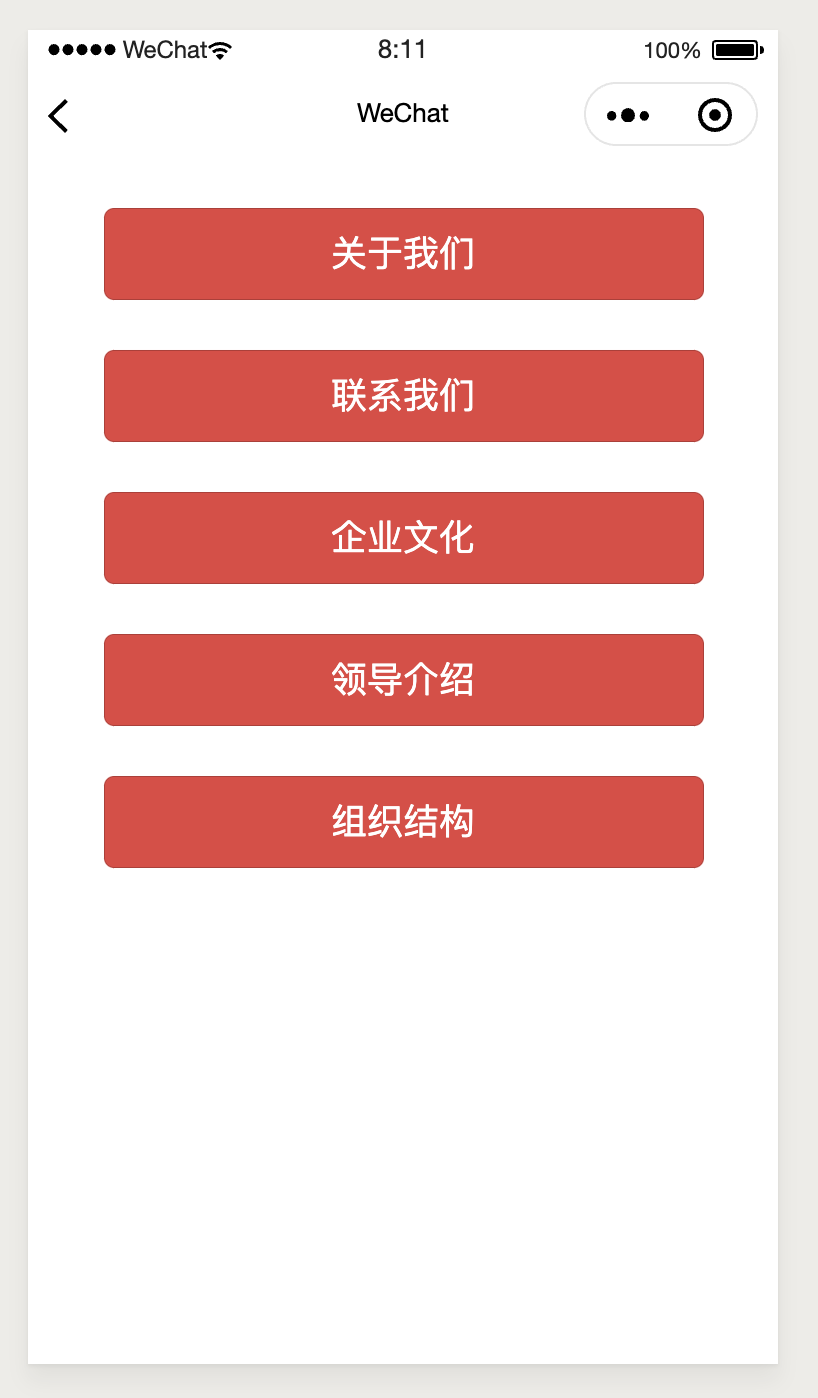
1. Quickly realize business needs such as About Us/Contact/Corporate Culture/Leader Introduction/Organizational Structure;
2. The background rich text editor maintains the overall content of the page, and the applet directly reads the content through the number and displays it;
3. Used in any scenario with such business needs;
_Review of Promise Classification Management: _
["Mini program adds article/news/information/dynamics classification function, supports unlimited levels"](https://www.yuque.com/apifm/doc/wsezkg)
# Enable the "Single Page Application" module
Log in to the "First Step" registration background, left menu --> Factory settings --> Module management
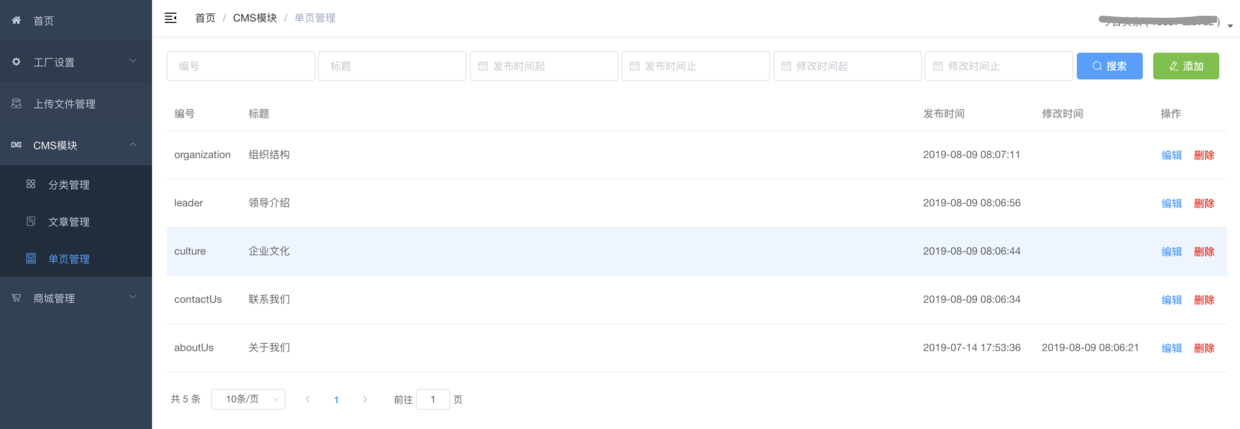
Find the "Single Page Application" module, click "Enable Module", then F5 to refresh the background interface, you will see the new menu:
"CMS module" --> "Single page management";
# Demo interface:
# Mini program code:
```plain
const WXAPI = require('apifm-wxapi')
WXAPI.init('gooking')
Page({
data: {
},
onLoad: function (options) {
},
onShow: function () {
},
getContent(e) { // Read single page information
const key = e.currentTarget.dataset.key
WXAPI.cmsPage(key).then(res => {
console.log(res)
if (res.code == 0) {
wx.showToast({
title: 'Read successfully',
icon: 'success'
})
} else {
wx.showToast({
title: res.msg,
icon: 'none'
})
}
})
}
})
```
> WXAPI.init('gooking') This code links your mini program to your backend, where gooking is your exclusive domain name (please check the chapter about exclusive domain names in the preface);
>
_The backend and the mini program are related by number, so you can expand it at will! _
_Join the background and specify an abc number at will, and the applet can use WXAPI.cmsPage('abc') to read the content in the rich text editor_
_No back-end programming is required, as long as you have a good idea, you can quickly implement it! _
Looking forward to your progress!
grateful!