# enable module
Log in to the background, left menu "Factory settings" --> "Module management";
Find the "Product Group Buying" module, and after enabling it, refresh the page with F5;
# Configure grouping
1. In product management, edit the product, enable the group buying function, and set the group buying price;
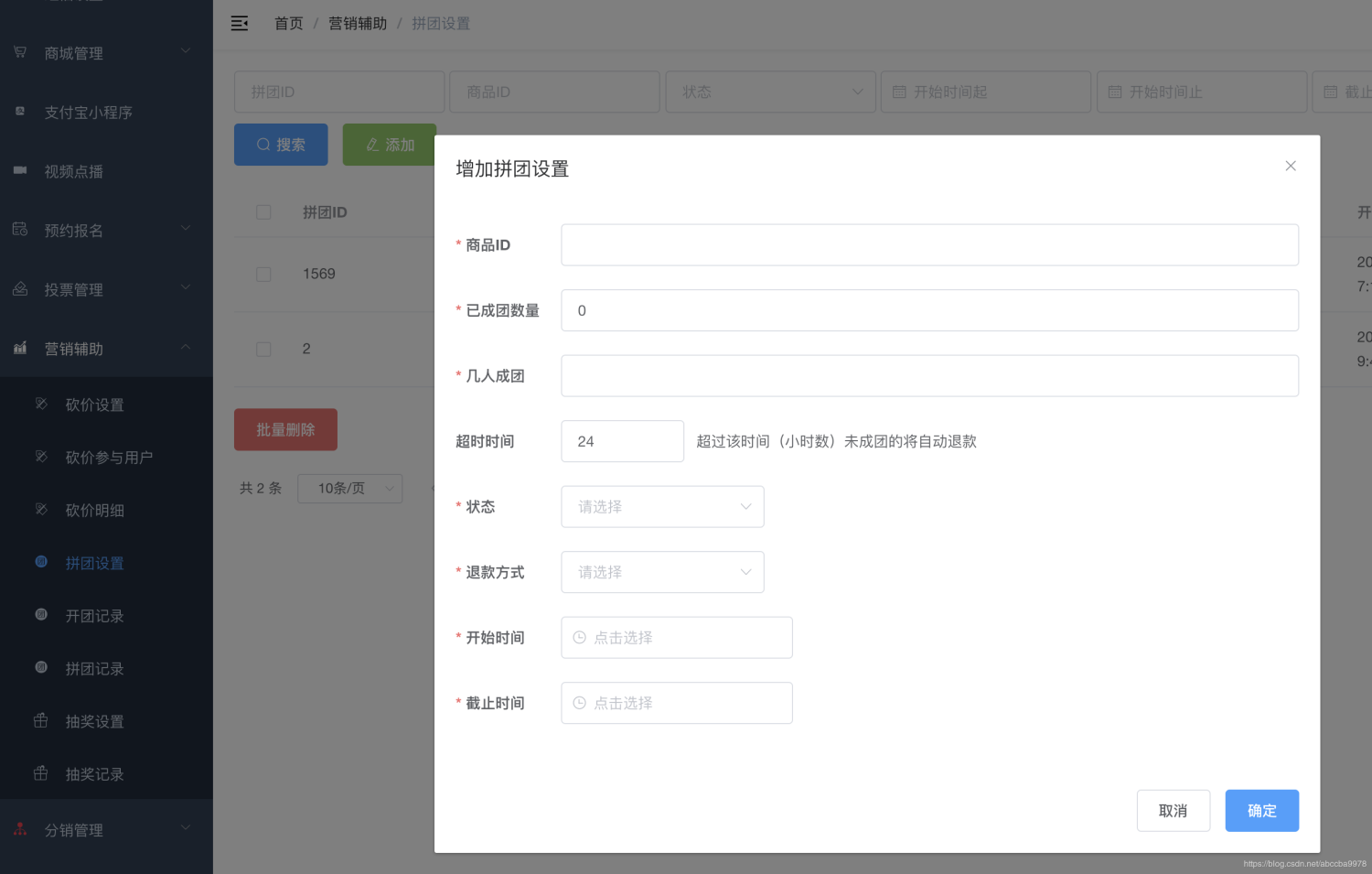
2. Left menu: "Marketing Assistance" --> Group group settings, set the group group information of the product:
# API interface docking
According to the API interface of the group buying part in ["API Interface Document"](#), the front-end code docking can be realized to realize the group purchasing function of goods on web pages, small programs, Android, and iOS.