#Create a mini program application
[https://mini.open.alipay.com/channel/miniIndex.htm](https://mini.open.alipay.com/channel/miniIndex.htm)

At this time, scan the QR code to log in
**Very important! ! ! ! !**
It is strongly recommended to use **Enterprise Alipay**Scan the QR code to log in to create. Mini programs created with personal Alipay accounts will have many functional limitations, such as being unable to obtain the user's mobile phone number.
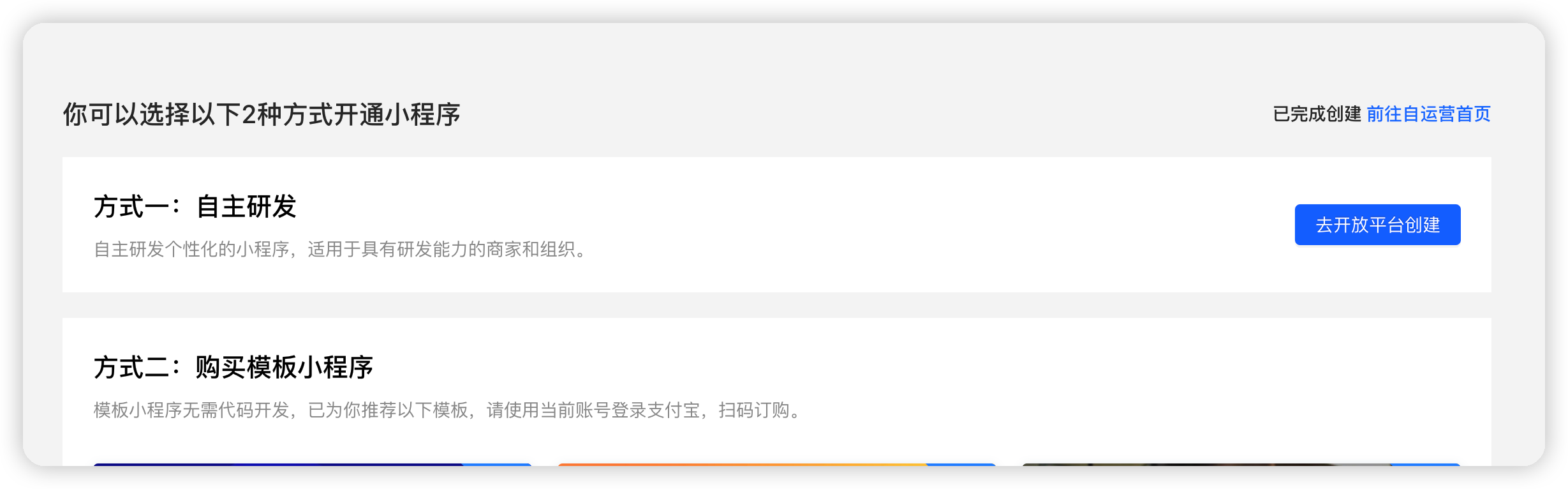
Select "Independent Research and Development" so that you can write your own code to develop Alipay Mini Program.
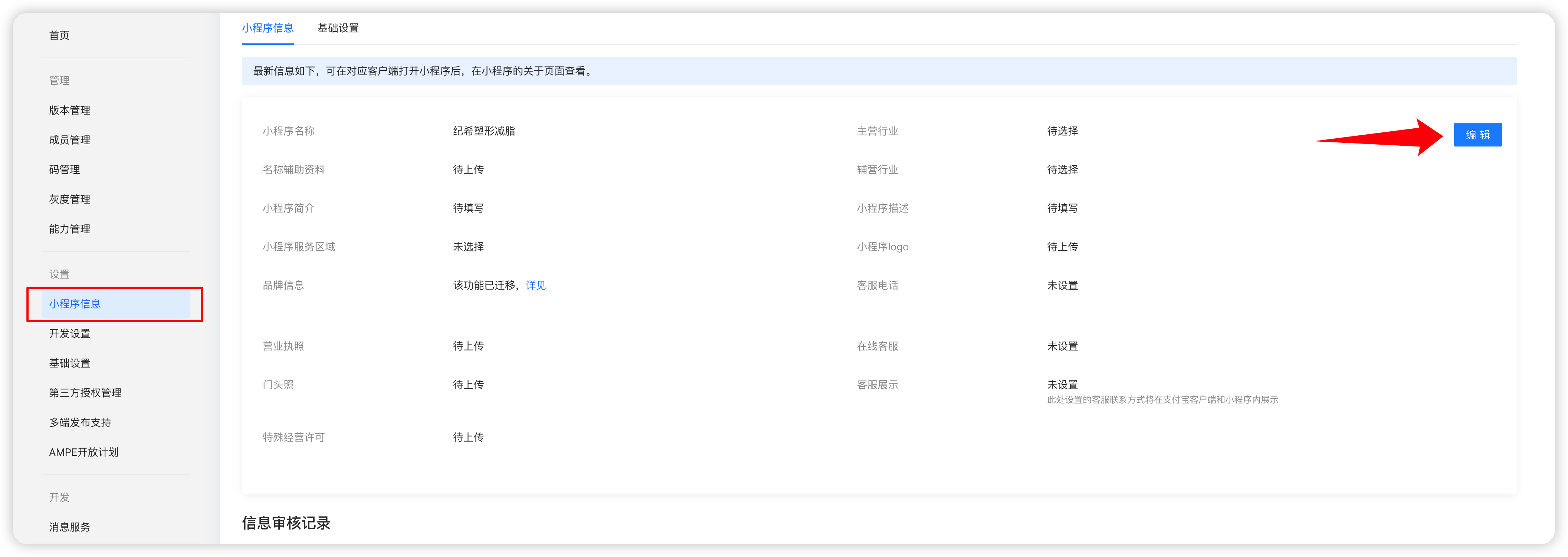
Edit the mini program information, name, logo, category and other information, and submit it for review
#Add administrator
[https://open.alipay.com/svr/core/role](https://open.alipay.com/svr/core/role)
Add an administrator or application administrator. After adding, the administrator can scan the code to manage the development and operation of the mini program.
# Set appID and key
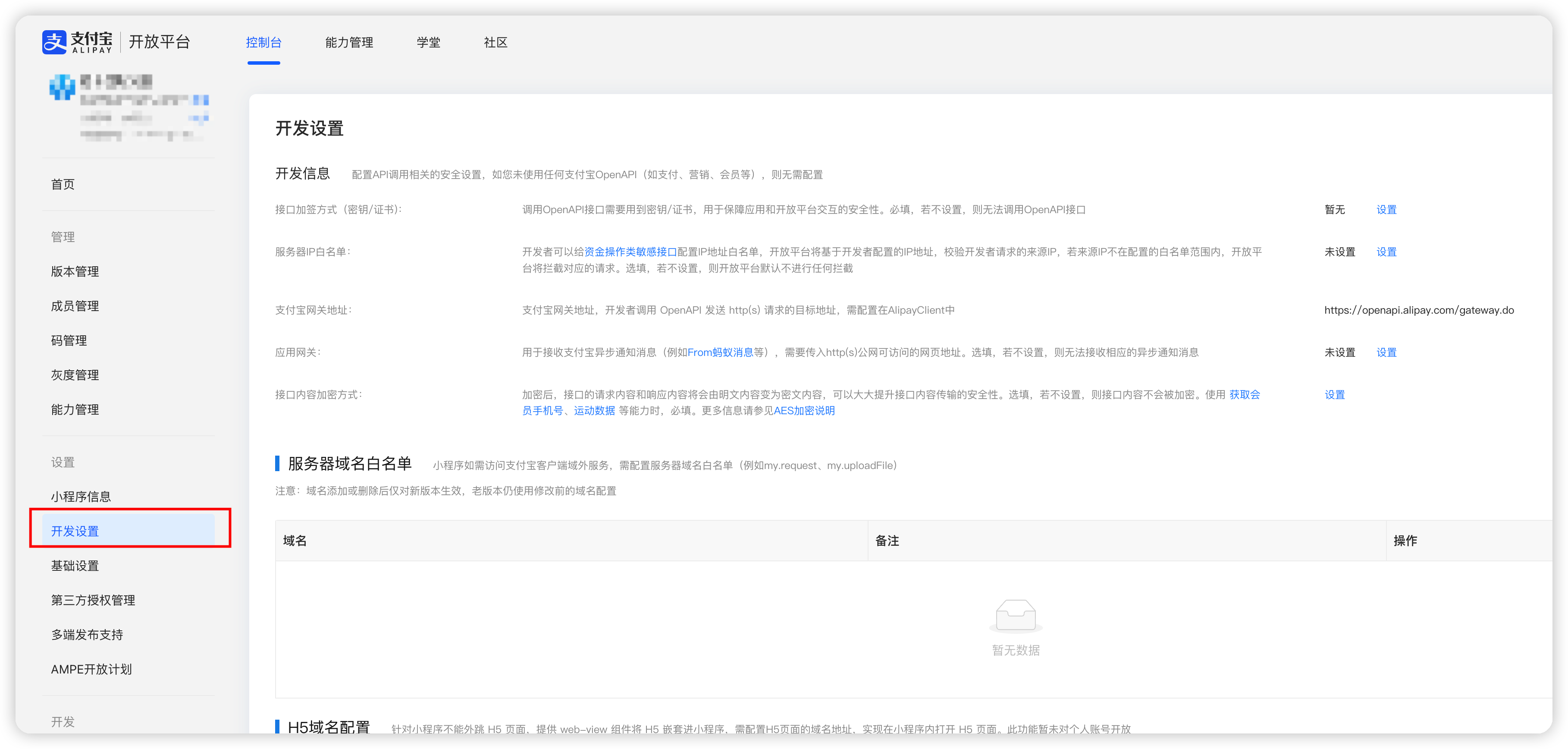
Set the application public key, private key, Alipay public key, and interface content encryption key
Configure this information into the "apifm" background Alipay settings

#Server domain name whitelist
Add the following domain names:
```javascript
https://api.it120.cc
https://dcdn.it120.cc
https://wx.qlogo.cn
https://thirdwx.qlogo.cn
```
# Activate capabilities

The required capabilities need to be enabled, otherwise some interfaces will not be able to be called.