# Enable plugin
1. If you are a free member, it is a pity that you cannot use the plug-in function of apifm for the time being;
2. If you are a professional version member, log in to the backend, go to the left menu "Factory settings" --> "Plugin management", find the "WeChat Video Account" plug-in, and purchase it online to activate it;
3. If you are a value-added member, you don’t need to do anything, you can use all plug-in functions for free;
# Activate module
"Factory settings" --> "Module management", search for "WeChat video account" and enable this module
#Add IP whitelist
WeChat mandates the setting of an IP whitelist:
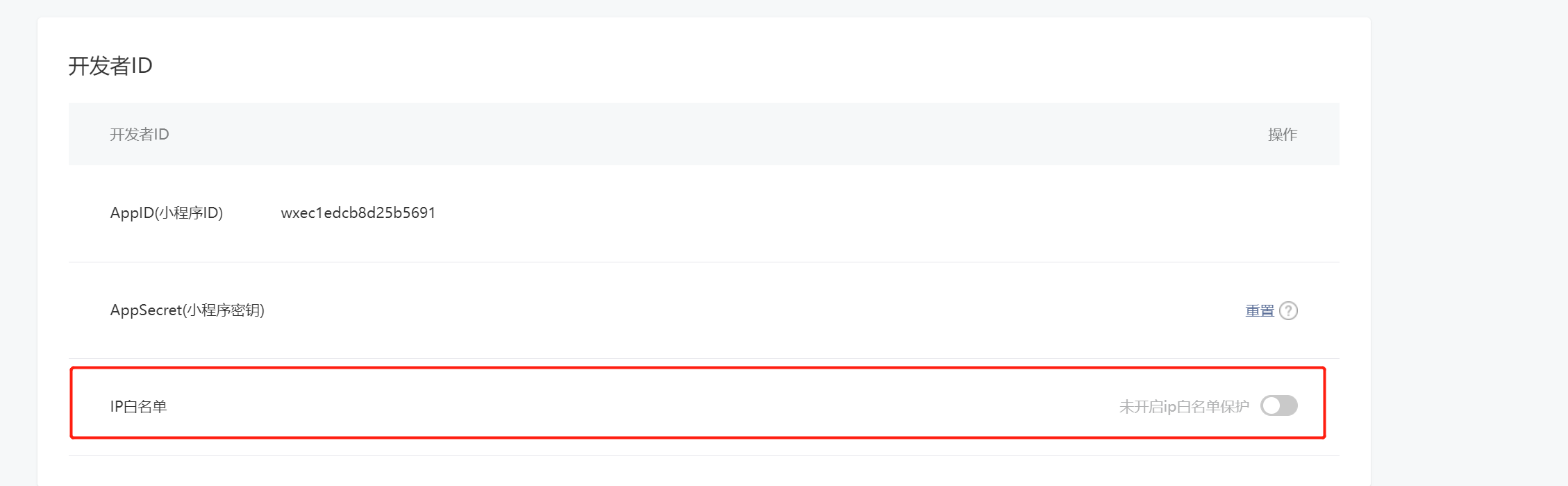
Please fill in the IP address:
106.14.43.122; 106.15.66.205; 139.196.253.167; 121.36.243.129; 47.103.1.124; 139.196.174.85 ;103.88.32.13;103.88.32.128;110.42.39.111
# Apply to activate the trading component in the mini program background
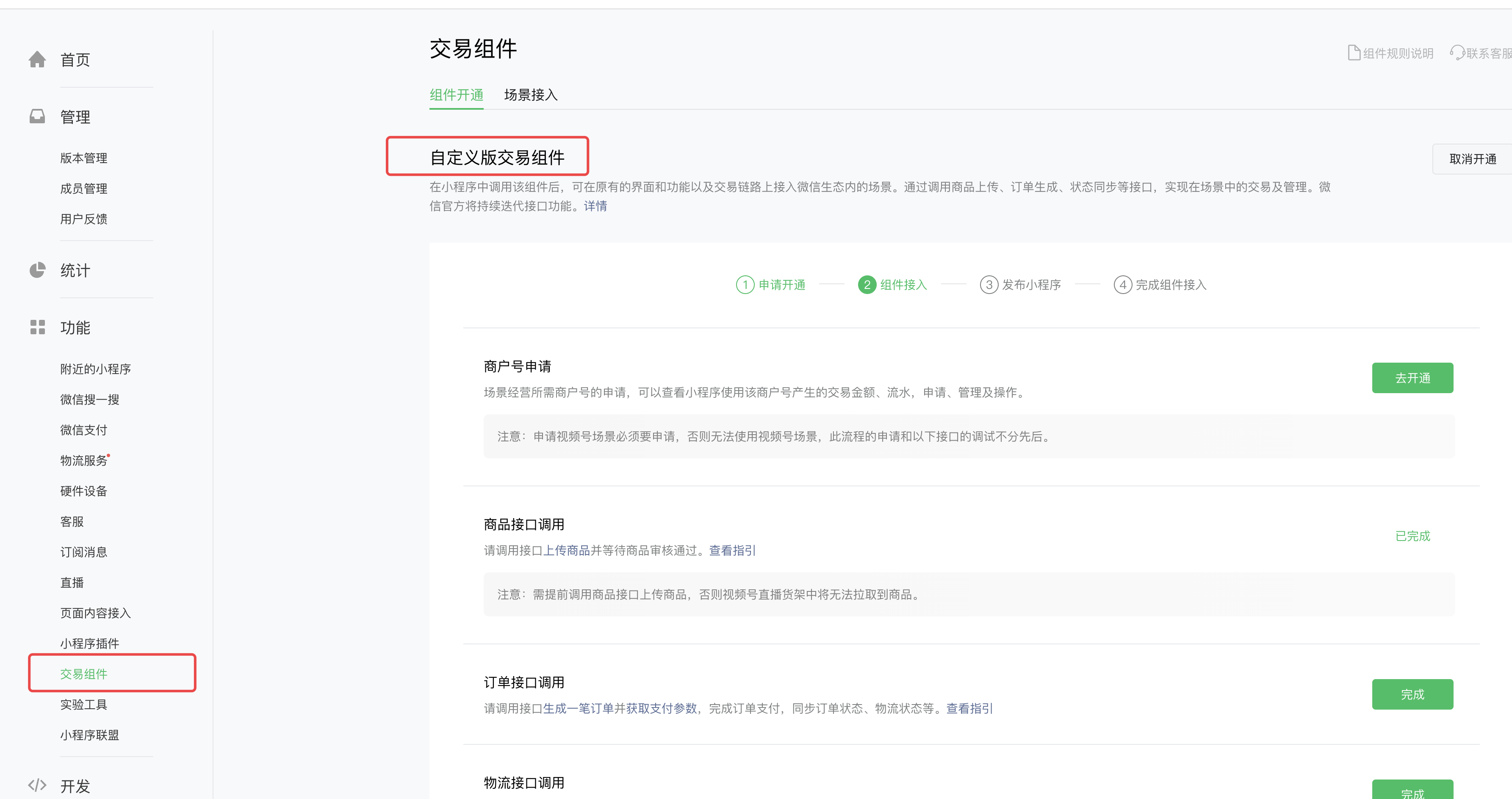
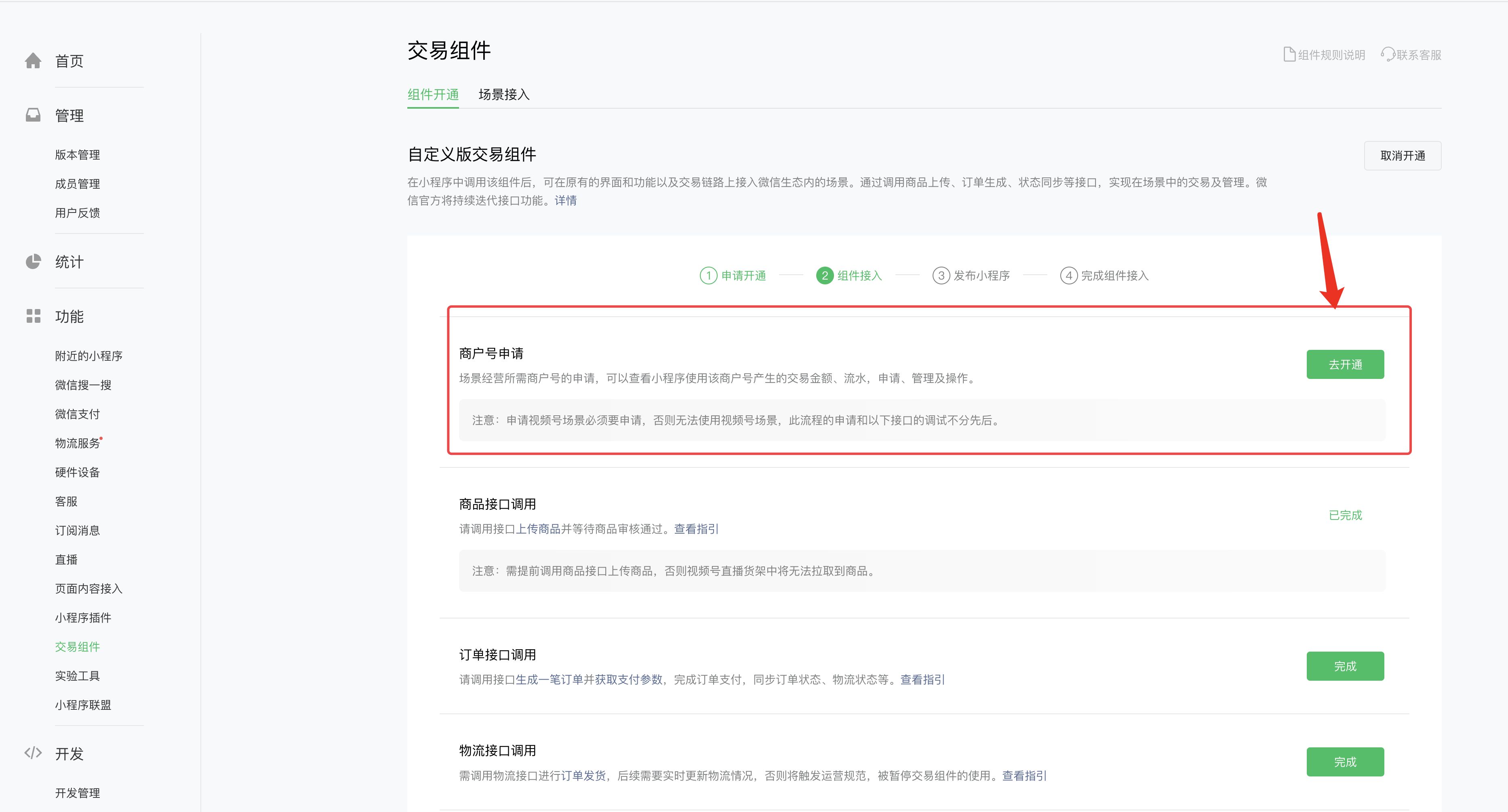
Secondary merchants must be opened. For orders placed in the video account, you can use this merchant to complete payment.
# Configure system parameters
## Add video number contact information
+ Parameter type text parameter
+ Parameter name wxsph_service_agent_phone
+ Parameter value customer service phone number
## Default return address for video number
+ Parameter type text parameter
+ Parameter name wxsph_default_receiving_address
+ Parameter value Return address Json data
For example:
```json
{
"receiver_name": "Zhang San",
"detailed_address": "Detailed shipping address information",
"tel_number": "Consignee's phone number",
"country": "country",
"province": "province",
"city": "city",
"town": "district and county"
}
```
## Product details page path
When the user clicks on the product in the video account, it jumps to the product details page of the mini program.
Parameter name: wxsph_goods_page
Parameter refers to: pages/goods/detail?id={goodsId}
The path is filled in based on the path of the product details page of your actual mini program.
## Order details page path
When the user clicks on the order of the video account, it jumps to the order details page of the mini program.
Parameter name: wxsph_order_detail_page
Parameter refers to: pages/order-details/index?id={orderId}
The path is filled in based on the order details page path of your actual mini program.
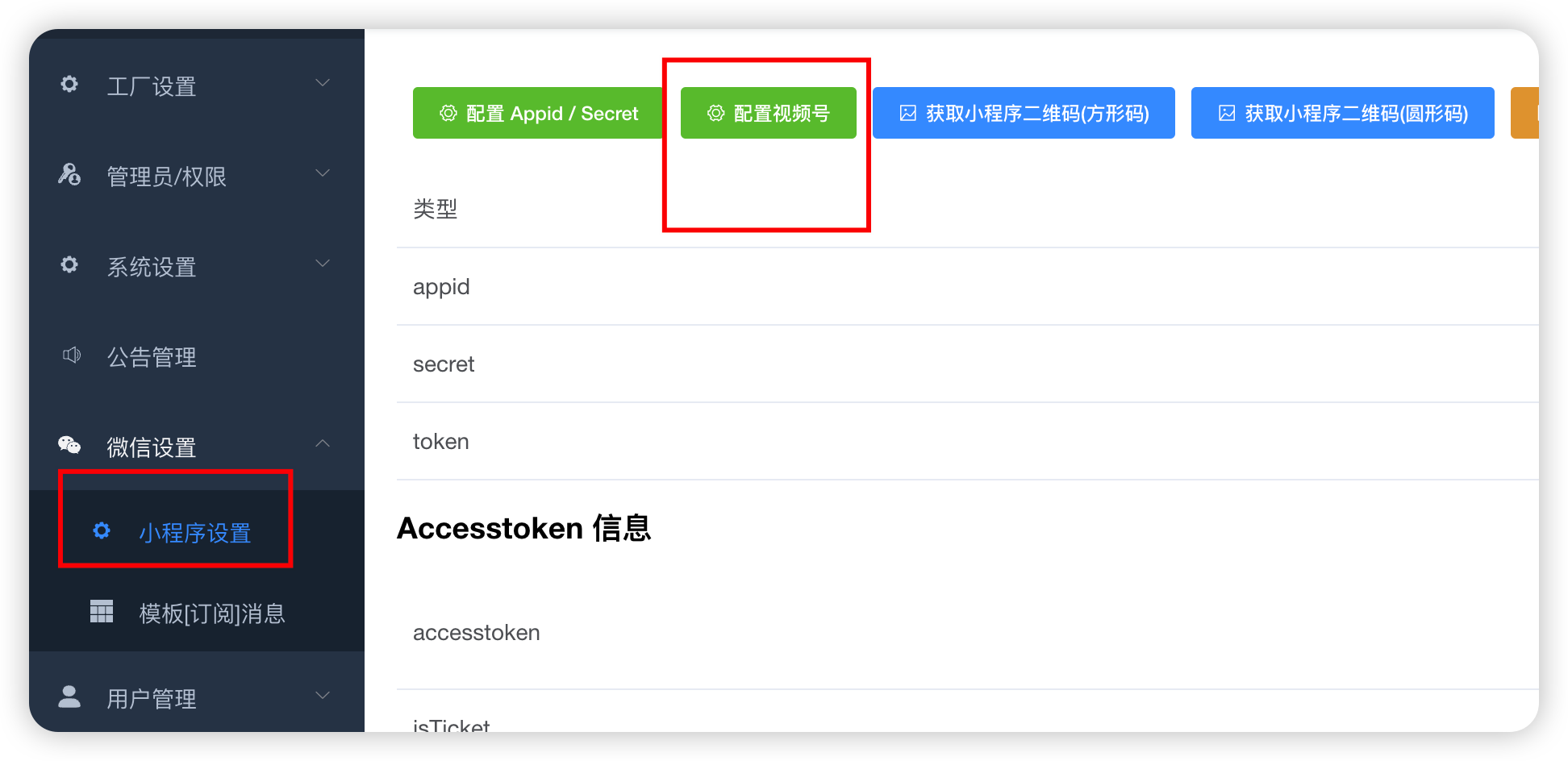
# Configure video account after-sales information
# Synchronize product categories to video accounts
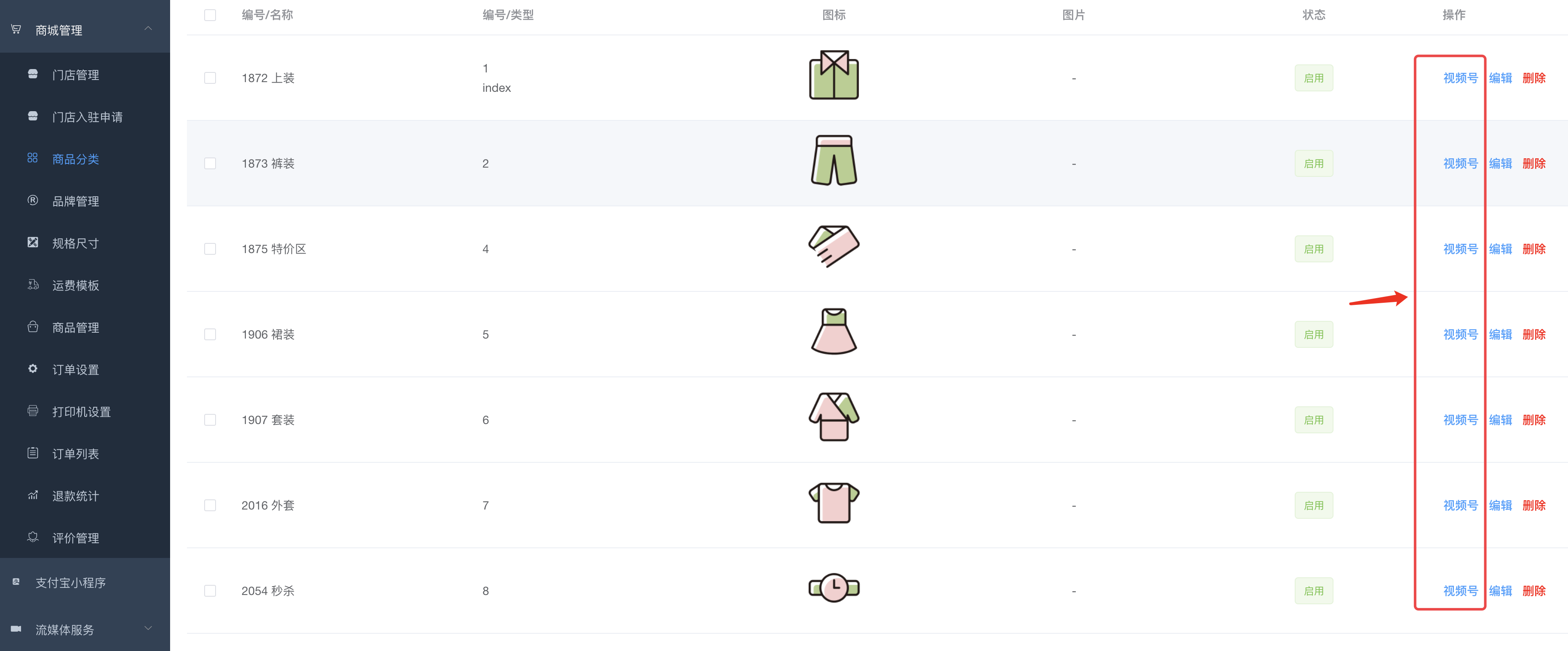
For different categories, you need to submit corresponding qualifications. Please be sure to add your official product category and synchronize it to the video account.
# Product submission video number is waiting for WeChat review
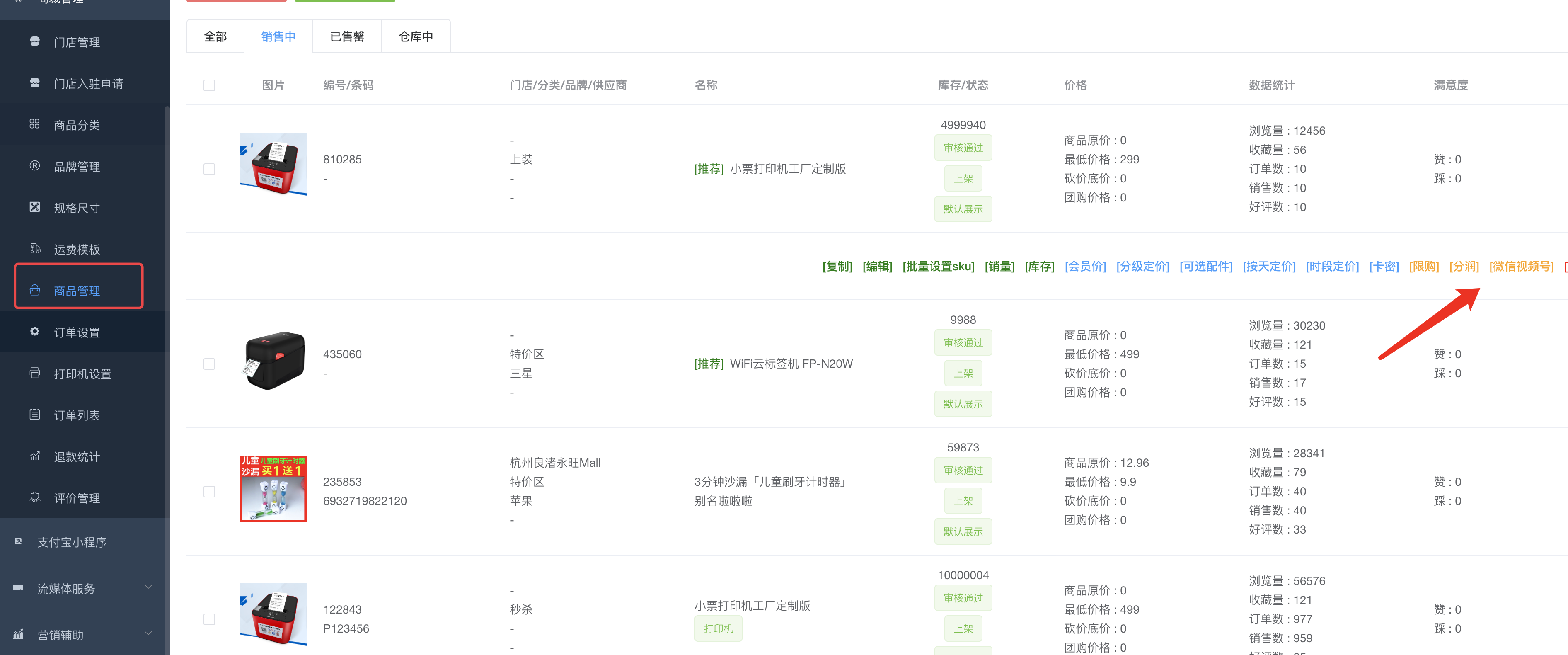
After submission, it will appear in the video account only after it is reviewed and approved.
# Place an order and complete a payment using the video number payment method
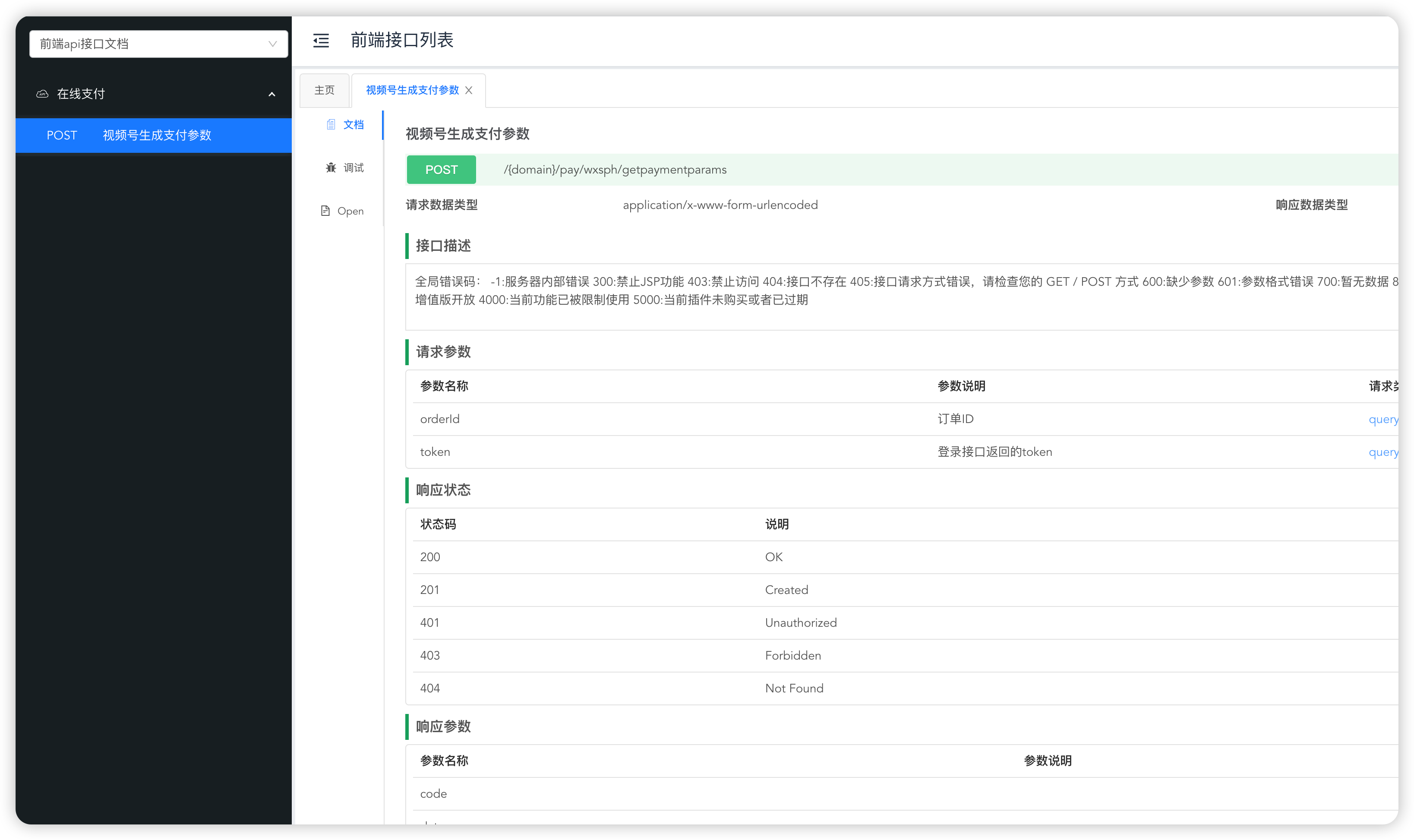
# Complete delivery
In the background order list, order details, click Delivery, you need to use the real express delivery number to make a delivery.
Currently supported express companies are:
ZTO Express, YTO Express, STO Express, SF Express, JD Express (for other express companies, please contact support to add them)
# Just do another after-sales service to complete the configuration.
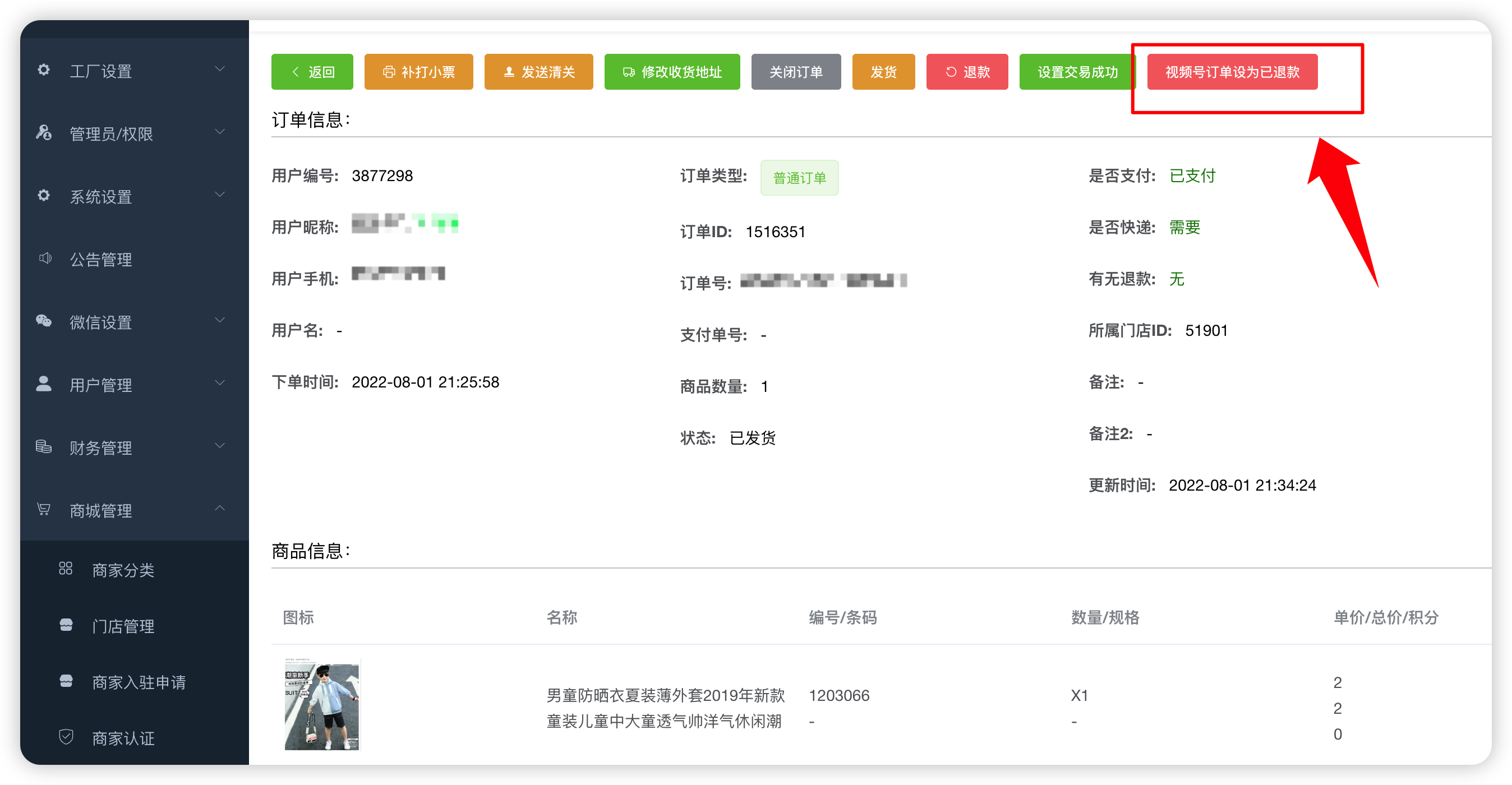
# Apply to open video account promotion
