# Activate Tencent Cloud real-time audio and video service
[https://curl.qcloud.com/exHrRPbA](https://curl.qcloud.com/exHrRPbA)
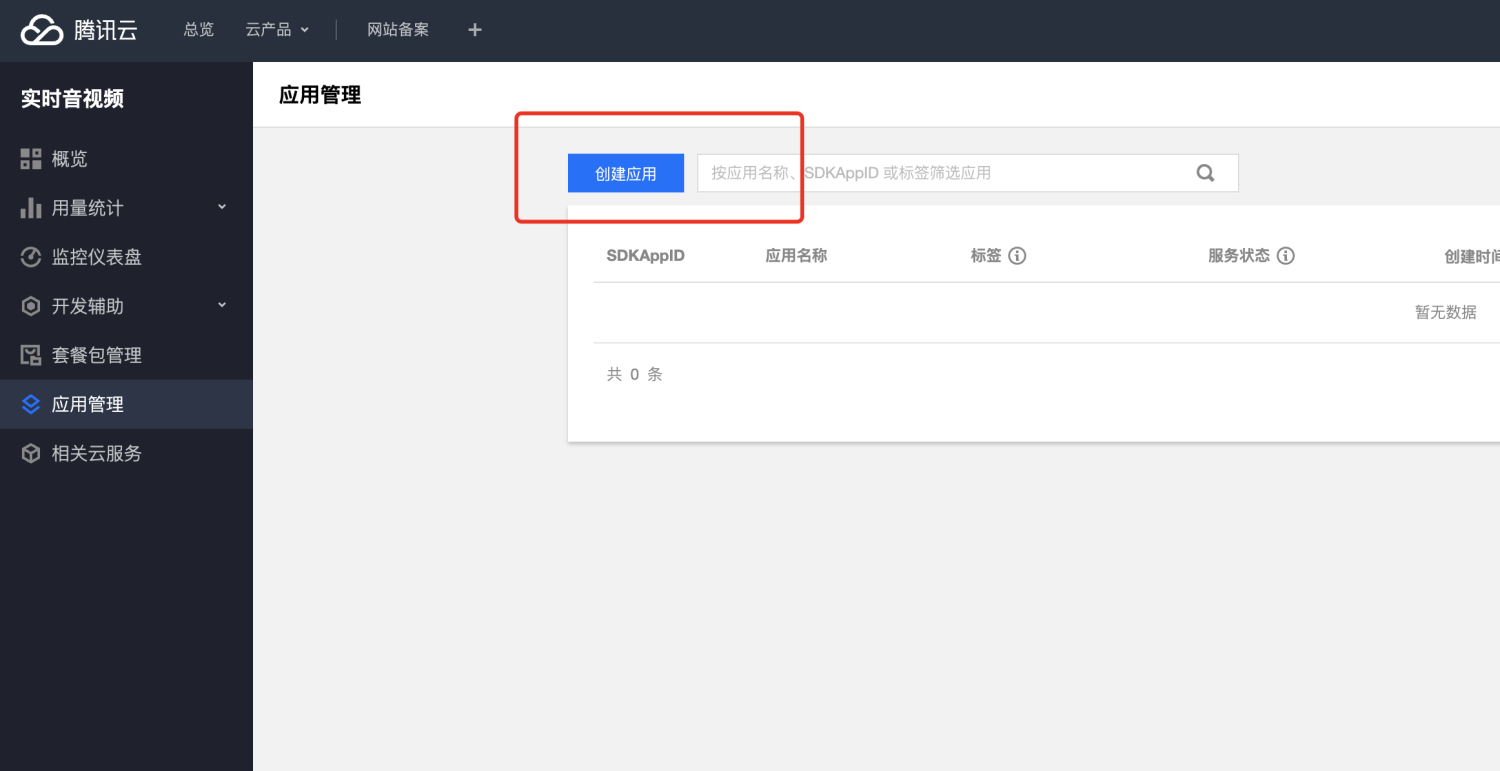
Record two pieces of information:
+ SDKAppID
+ key
These two pieces of information will be used for real-time video chat later.
# Configure system parameters

Add system parameters of text type:
+ Parameter name:trtc_secret```json
{
"sdkappid": "xxxxxxxxx",
"key": "xxxxxx"
}
```
# Add server domain name to mini program

Request legal domain name, add:
[https://pingtas.qq.com](https://pingtas.qq.com)
[https://tcb-api.tencentcloudapi.com](https://tcb-api.tencentcloudapi.com)
[https://webim.tim.qq.com](https://webim.tim.qq.com)
# Enable real-time audio and video permissions for the mini program
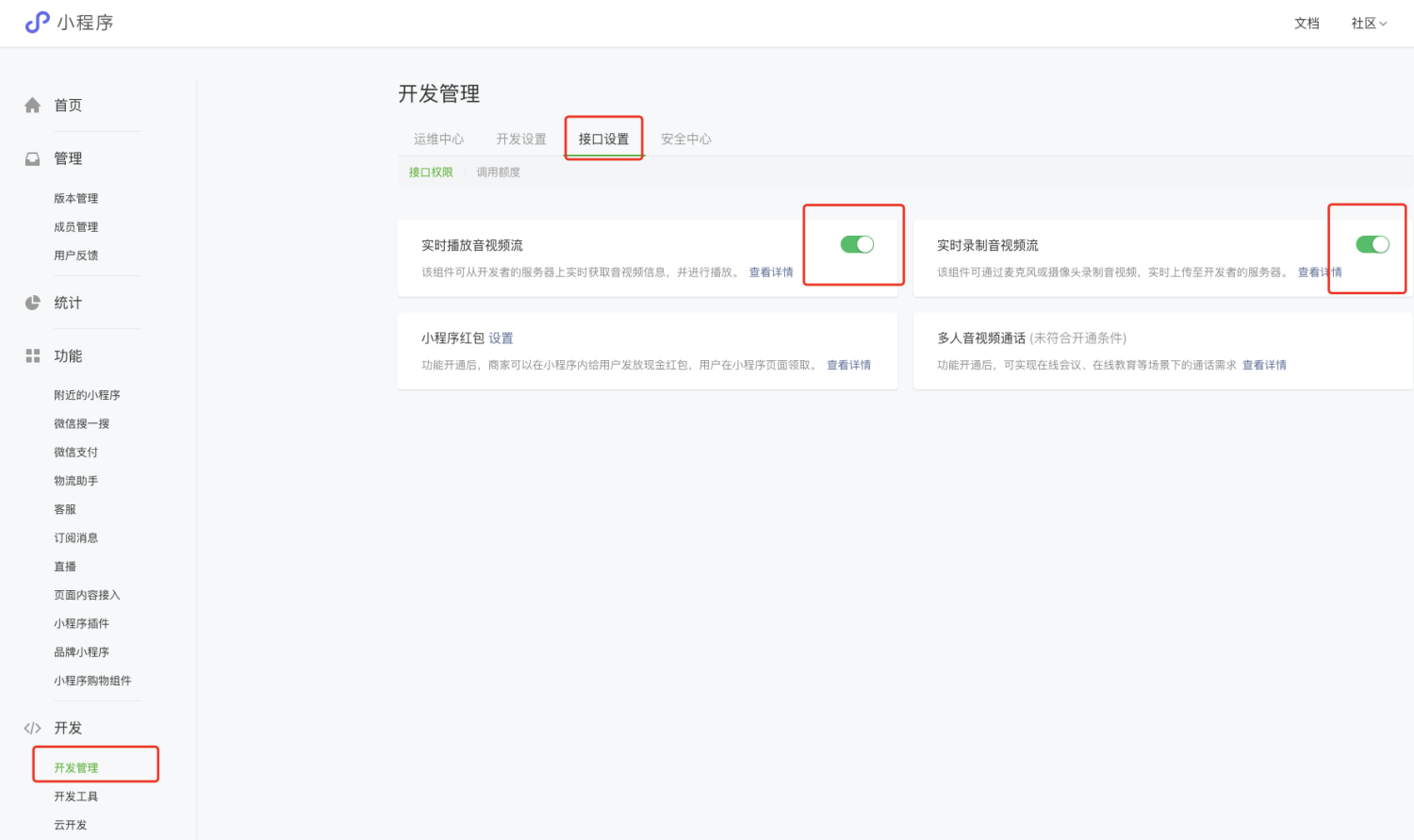
If these two switches cannot be turned on, please add a category:
+ Tools --> Video customer service
# Mini program code modification
For details, please refer to [https://github.com/EastWorld/wechat-app-mall](https://github.com/EastWorld/wechat-app-mall)
## app.js
```javascript
globalData: {
sdkAppID: xxxxxxx
}
```
## Add components

## Function page
