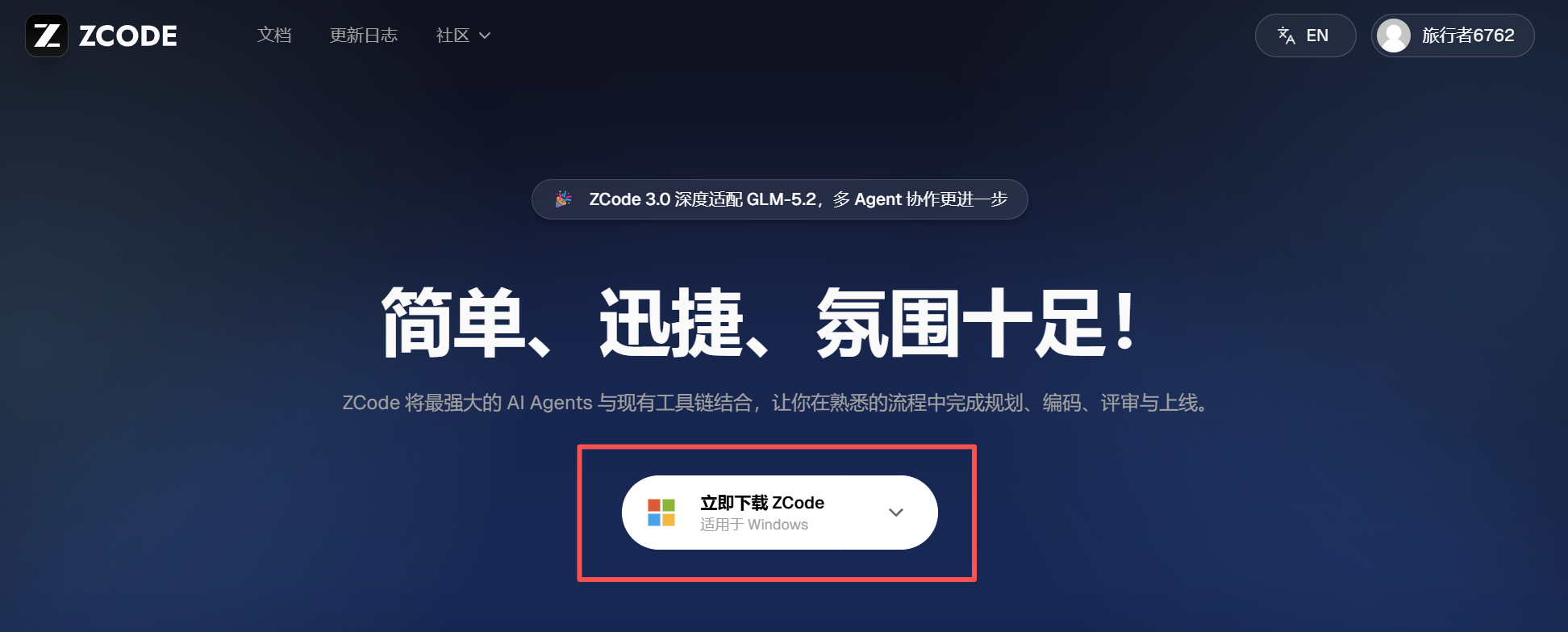
Download the appropriate version for your computer from the official website and install it.
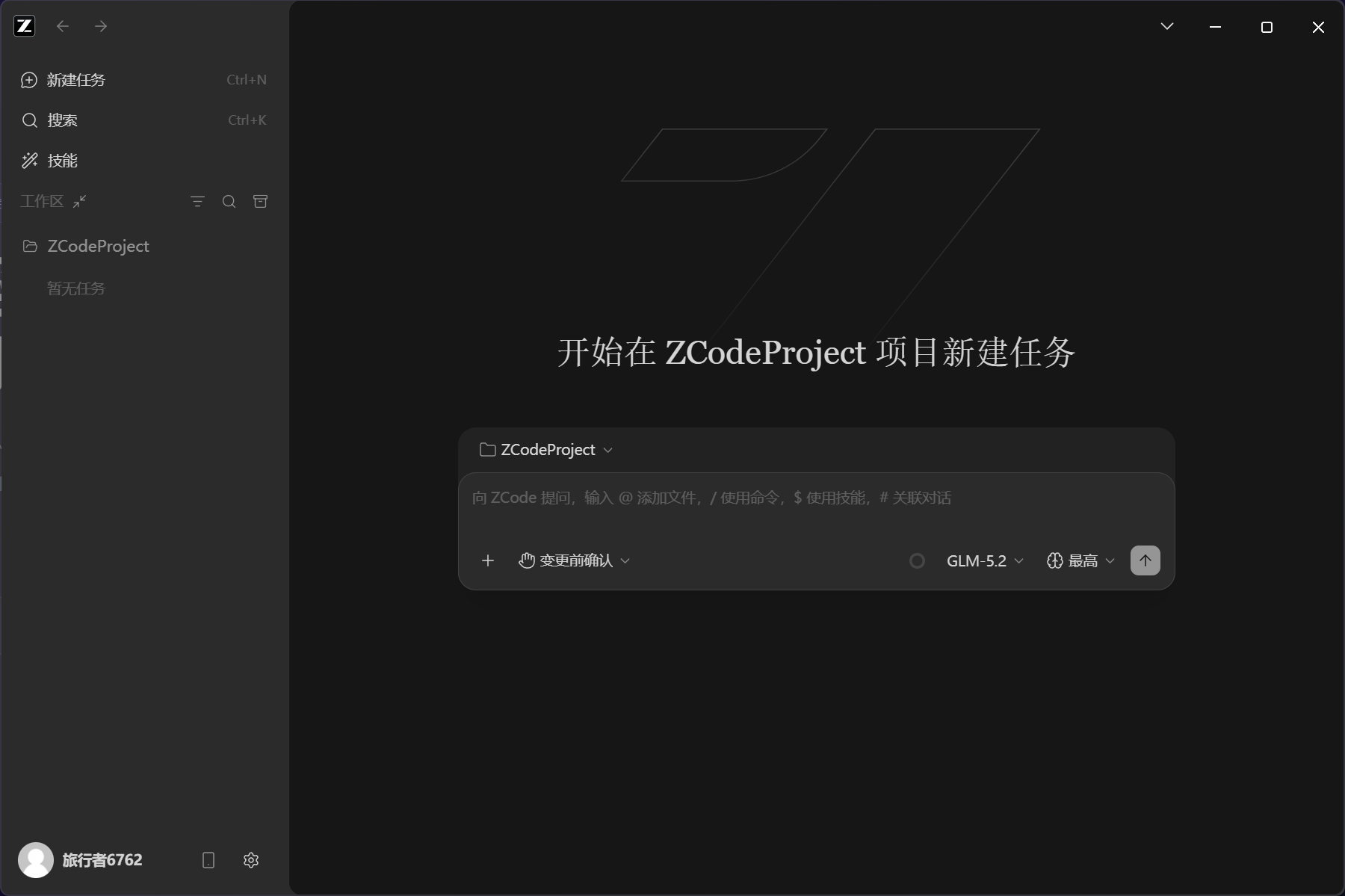
After the installation is successful, the following operation interface will appear when running:
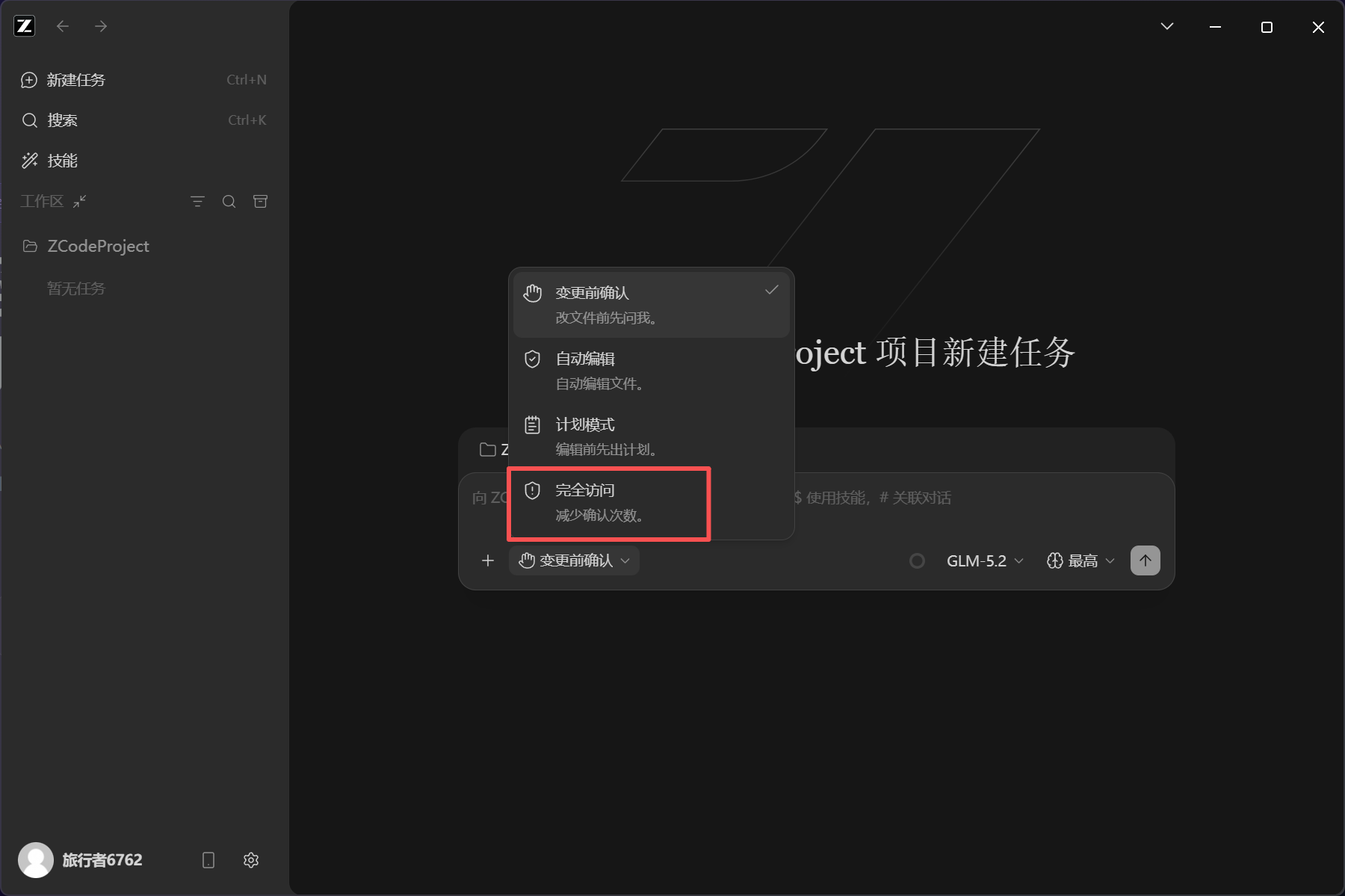
Here we want to let it run fully automatically without us having to confirm every step, so give him full access:
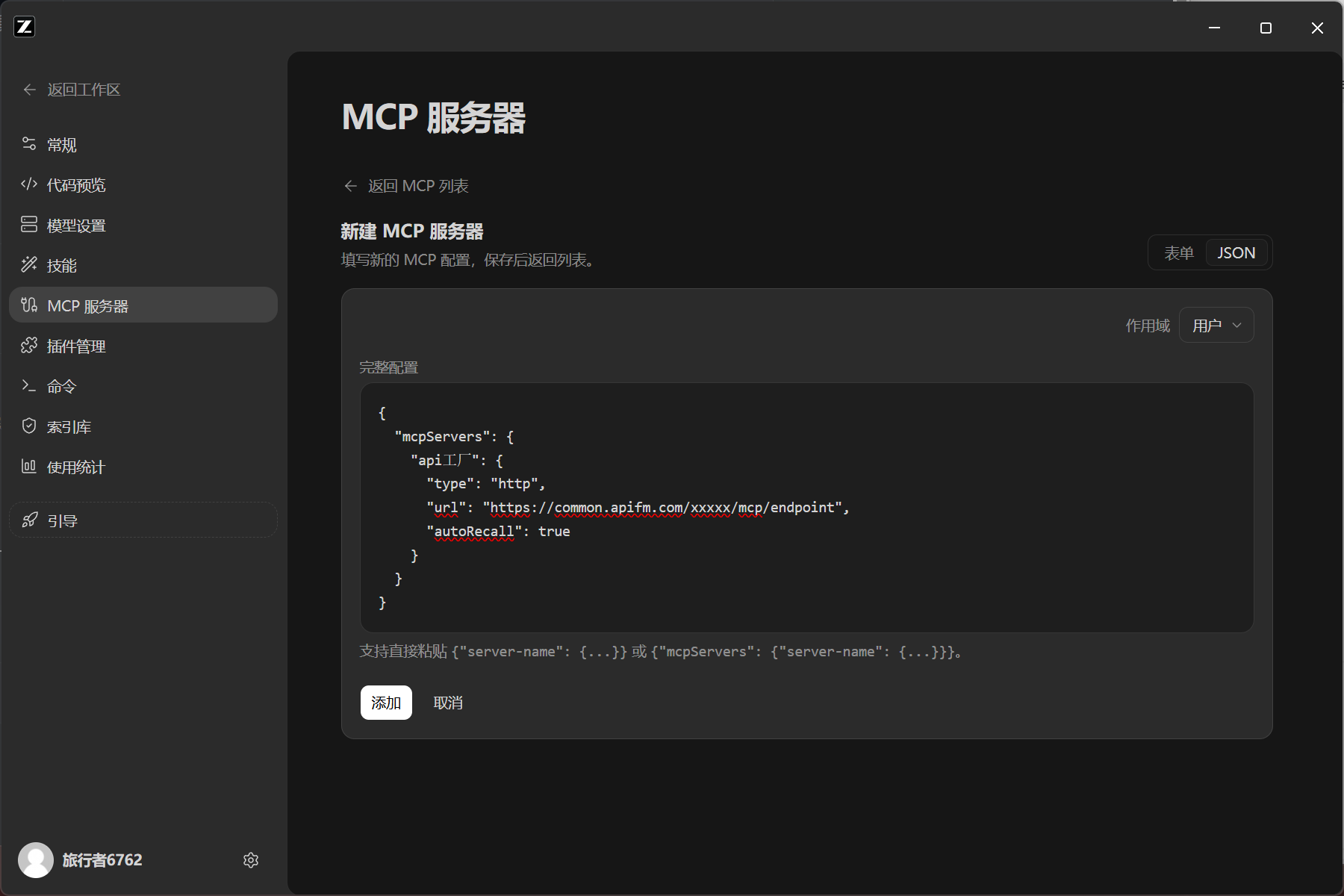
Don’t rush to start work. Let’s configure the MCP of the apifm front-end development SDK first:
[https://www.it120.cc/ai.html](https://www.it120.cc/ai.html)
After configuration, we can "chat" with the AI, allowing it to complete the development fully automatically, and automatically use the "apifm" middle platform to develop a new function and test the effect:
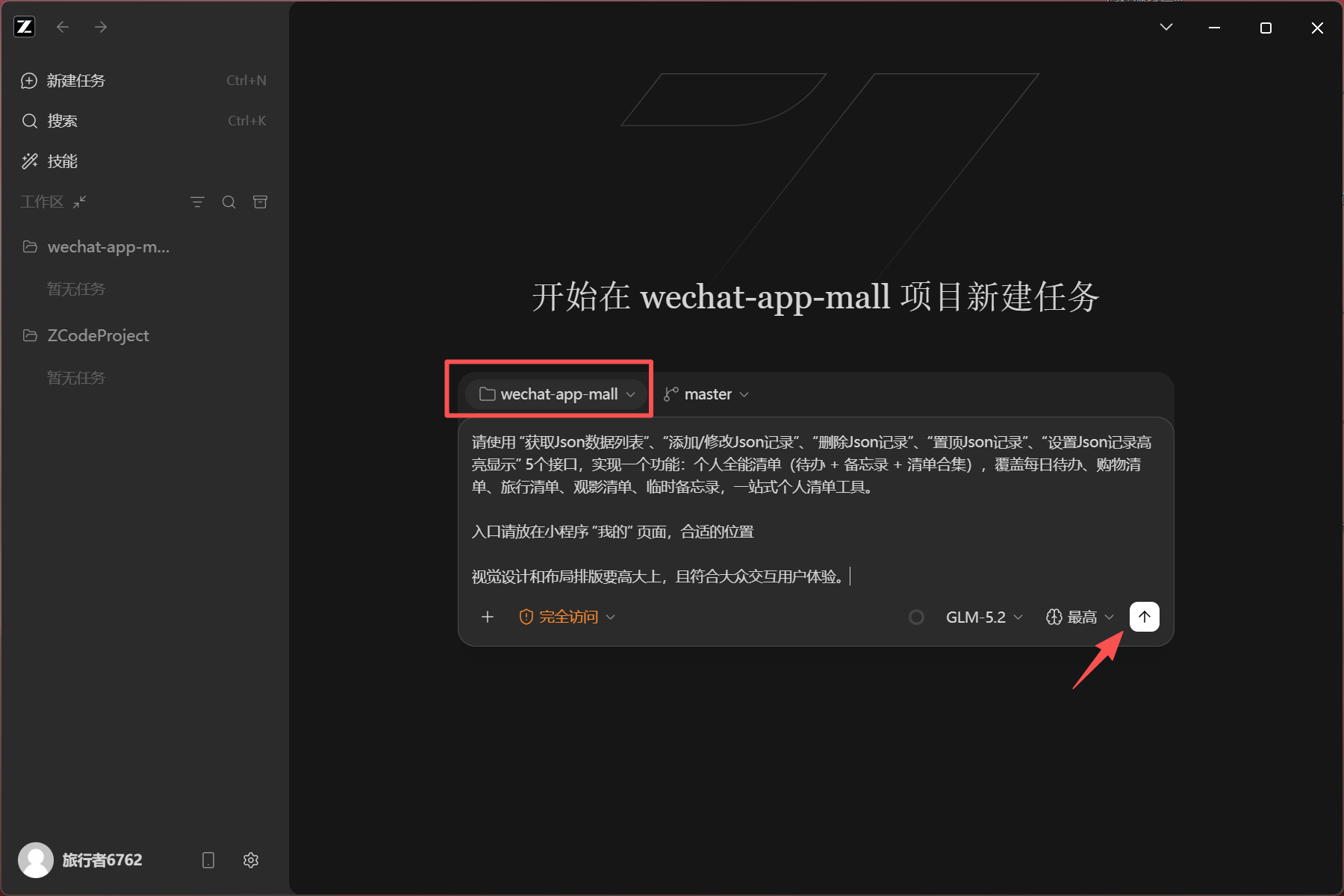
This time we asked him to completely help us develop a "Personal Comprehensive List (To-Do + Memo + List Collection)", covering daily to-dos, shopping lists, travel lists, movie viewing lists, temporary memos, and a one-stop personal list tool.
The prompt word I gave is written like this. You can write it in more detail. The more detailed it is, the better AI can help you develop it:
```plain
Please use the five interfaces of "Get Json Data List", "Add/Modify Json Record", "Delete Json Record", "Top Json Record", and "Set Json Record Highlight" in the MCP of apifm to implement a function: personal comprehensive list (to-do + memo + list collection), covering daily to-do, shopping list, travel list, movie viewing list, temporary memo, a one-stop personal list tool.
Please place the entrance on the "My" page of the mini program in a suitable location.
The visual design and layout should be high-end and consistent with the public interactive user experience.
```
In the area circled in red in the picture above, select the Open-source frontend code you downloaded, click the start icon of the arrow, and AI will add this function based on the existing functions.
Come back after a cup of coffee. The AI development is finished. Let’s take a look at the final effect:
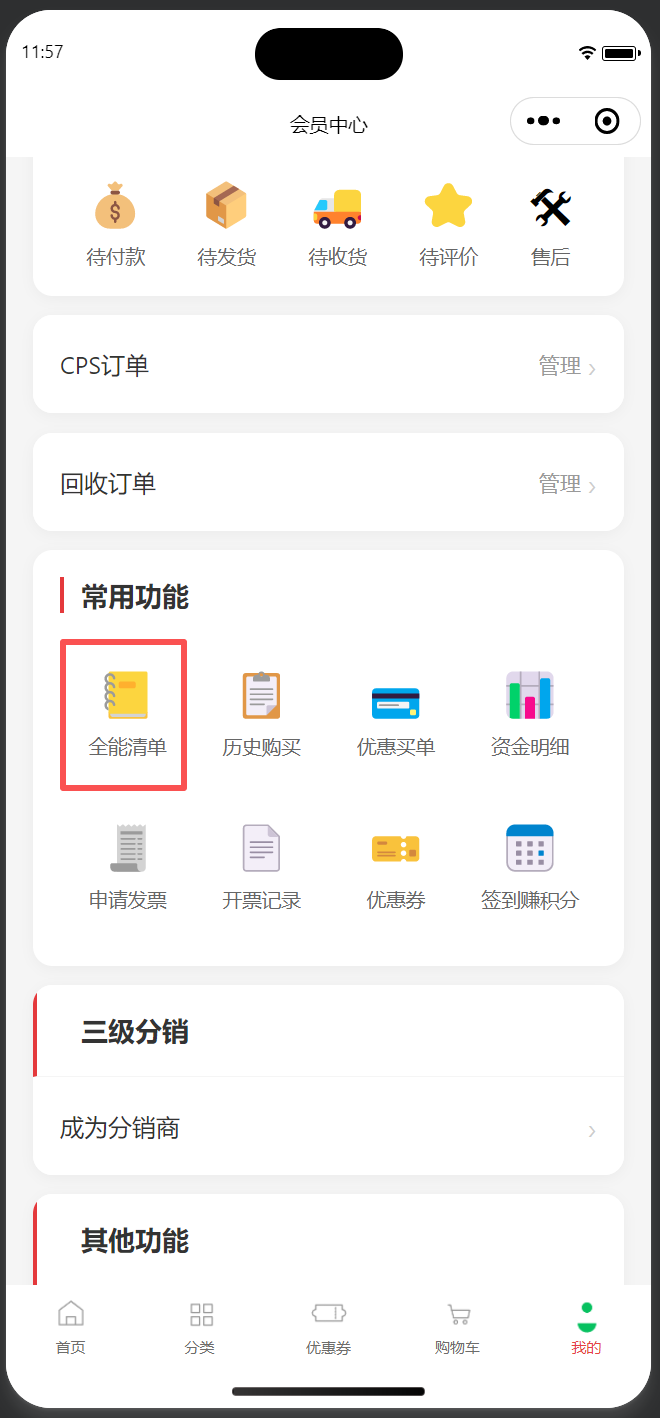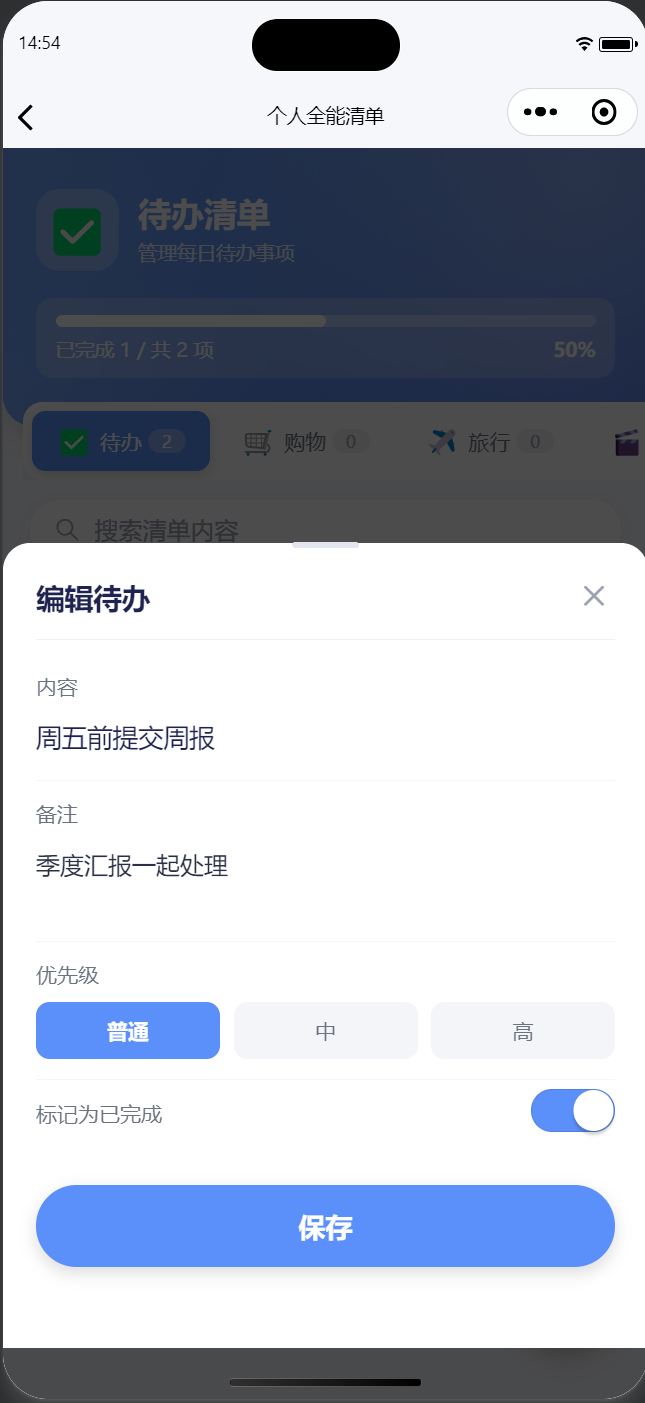
Overall, the completeness of the functional implementation is still very high. The UI is not very beautiful, but you can continue the conversation with him and guide him in visual optimization, and in the end you will definitely achieve very good results.
The final open source code of this experiment can be downloaded by yourself:
[https://github.com/EastWorld/wechat-app-mall](https://github.com/EastWorld/wechat-app-mall)
[Code Cloud Mirror:] [https://gitee.com/javazj/wechat-app-mall](https://gitee.com/javazj/wechat-app-mall)