# Download and install development tools
[https://developers.weixin.qq.com/miniprogram/dev/devtools/download.html](https://developers.weixin.qq.com/miniprogram/dev/devtools/download.html)
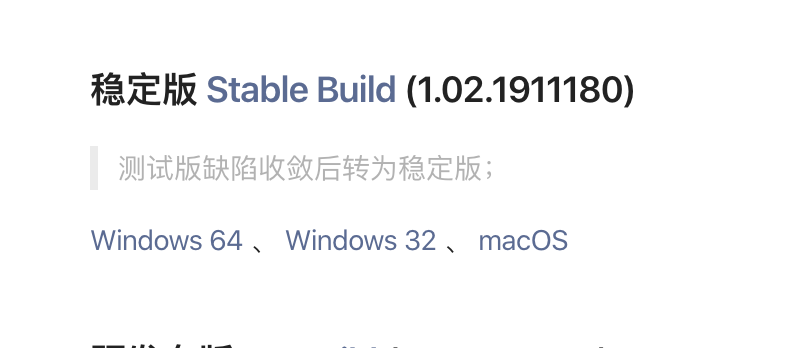
According to your own operating system, download the latest stable version and complete the installation after the download is complete.
# Download the mini program source code
[https://gitee.com/javazj/noodle_shop_procedures](https://gitee.com/javazj/noodle_shop_procedures)

Download the latest mini program source code. The download is a zip compressed package. Please unzip it.
# Run the mini program to see the effect
Double-click to run the small program development tool installed in the first step and open it to see the effect.
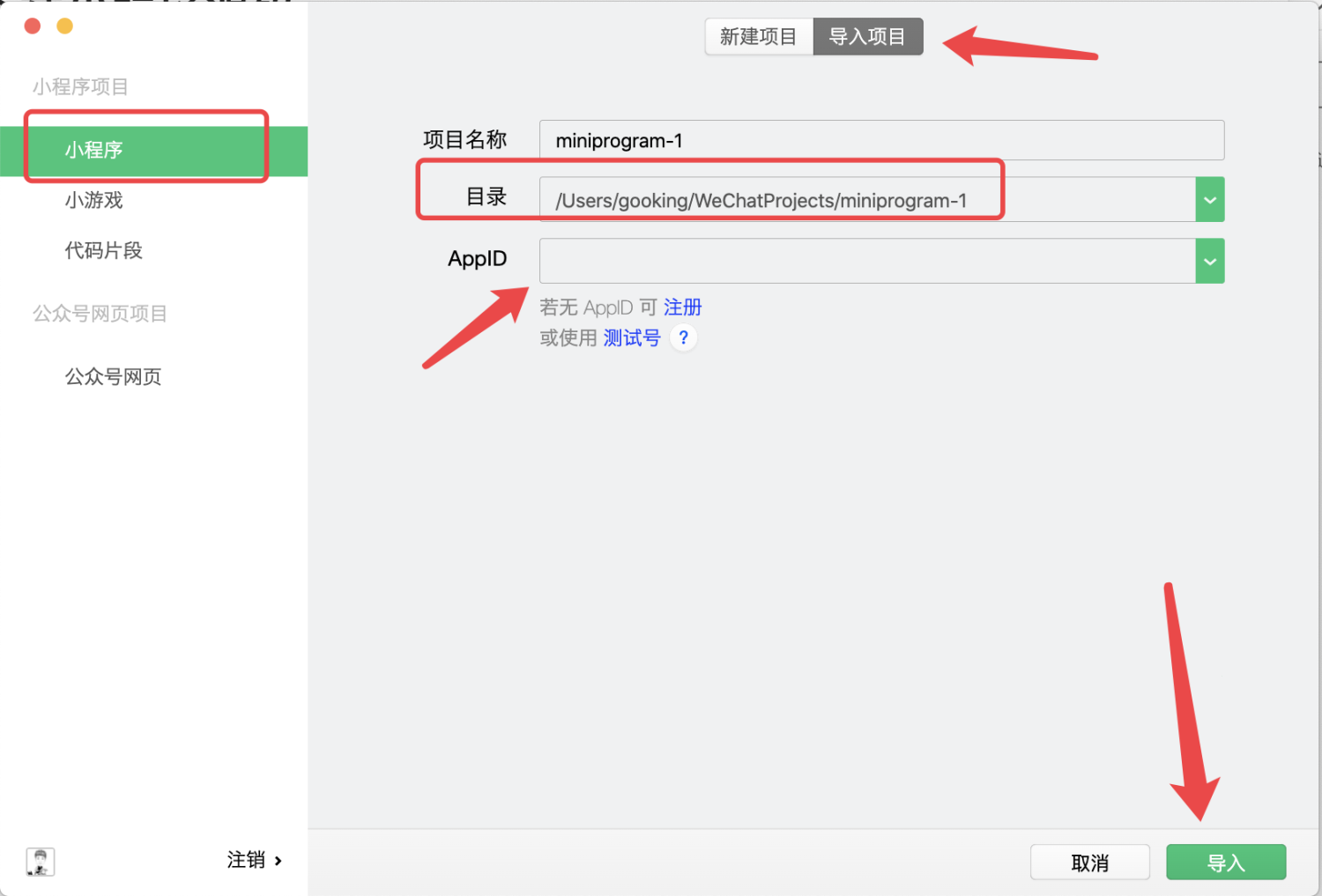
Import the project here, and select the directory where the applet code you downloaded and compressed in the "second step" is located.
**APPID must be changed to the APPID of your own mini program****
****APPID must be changed to the APPID of your own mini program****
****APPID must be changed to the APPID of your own mini program**
Then click the import button
["How to check the APPID of my mini program? Where can I check the APPID of my mini program? 》](https://jingyan.baidu.com/article/642c9d340305e3644a46f795.html)
# Configure docking with your own backend
Next, please refer to the tutorial instructions in [https://gitee.com/javazj/noodle_shop_procedures](https://gitee.com/javazj/noodle_shop_procedures) for simple configuration.