The backend left menu of "apifm" is automatically generated based on the module you select and enable;
For newly registered users, because you have not enabled any modules, the left menu only has a large menu of "Factory settings". Please follow the following 2 simple steps to display a rich set of operation orders:
# enable module
Left menu "Factory settings" --> "Module management", select the module you need and click "Start"
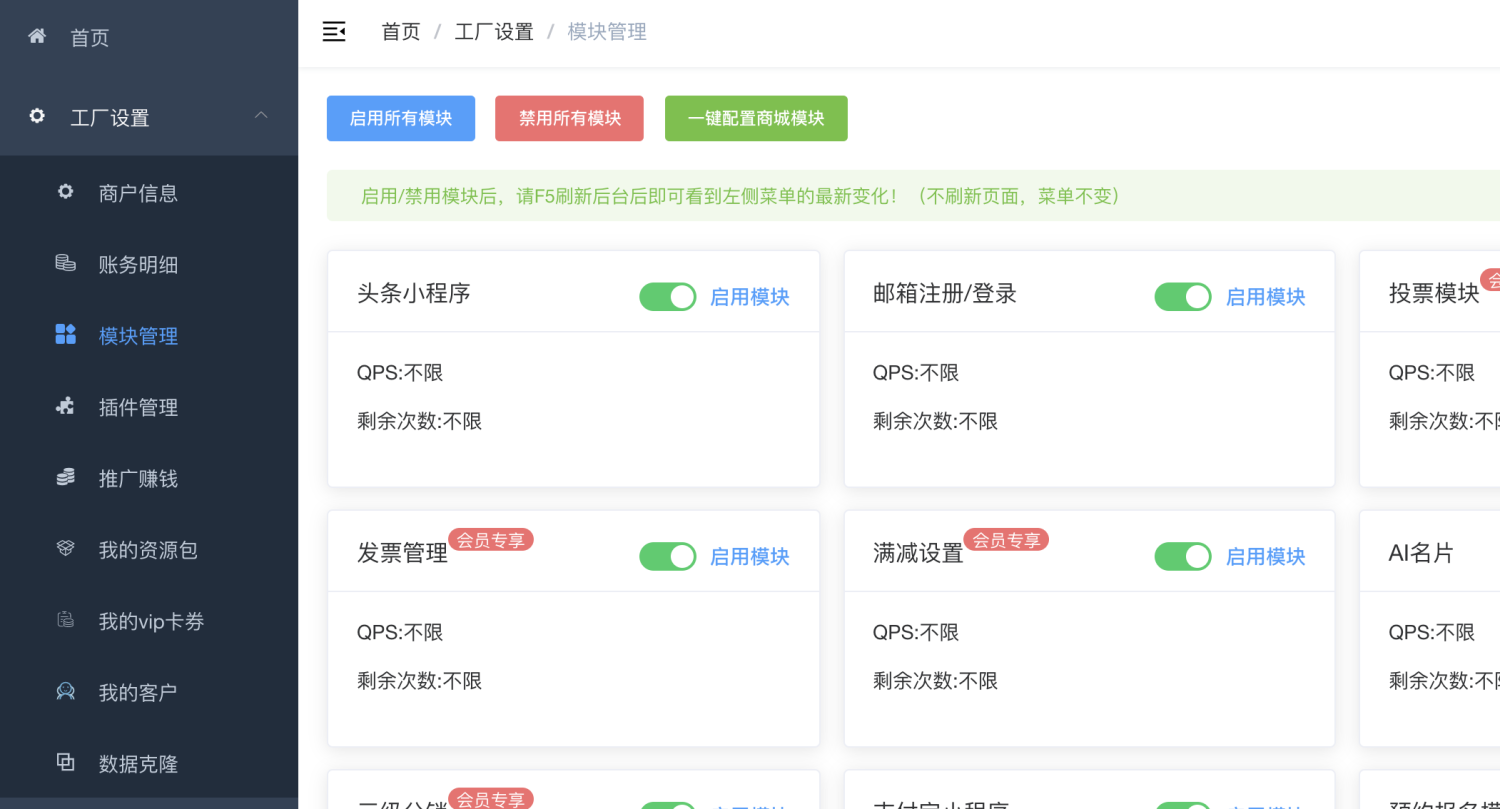
# Reload menu
After enabling/disabling the module, you need to reload the menu, otherwise the left menu will not change. There are two ways to reload:
1. Press F5 to refresh the page;
2. Log out in the upper right corner and log in again;
Either of the above 2 methods is possible.
I wish you a happy use. If you have any questions, please leave a message~