# Preface
This tutorial is based on the "apifm-wxapi" module and teaches you how to quickly implement small program development, so you may need to understand the following knowledge points first:
["Create HelloWorld Project"](https://www.yuque.com/apifm/doc/hezlrm)
["Use "apifm-wxapi" to quickly develop small programs"] (https://www.yuque.com/apifm/doc/mdldsd)
["Register for free to open the backend and obtain an exclusive domain name"](https://www.yuque.com/apifm/doc/qr6l4m)
# Function introduction
1. Mainly to meet the scenarios of classified information, CMS article classification, and news information;
2. Publish news/information/dynamics/articles/Help center/blog posts, etc. in the background;
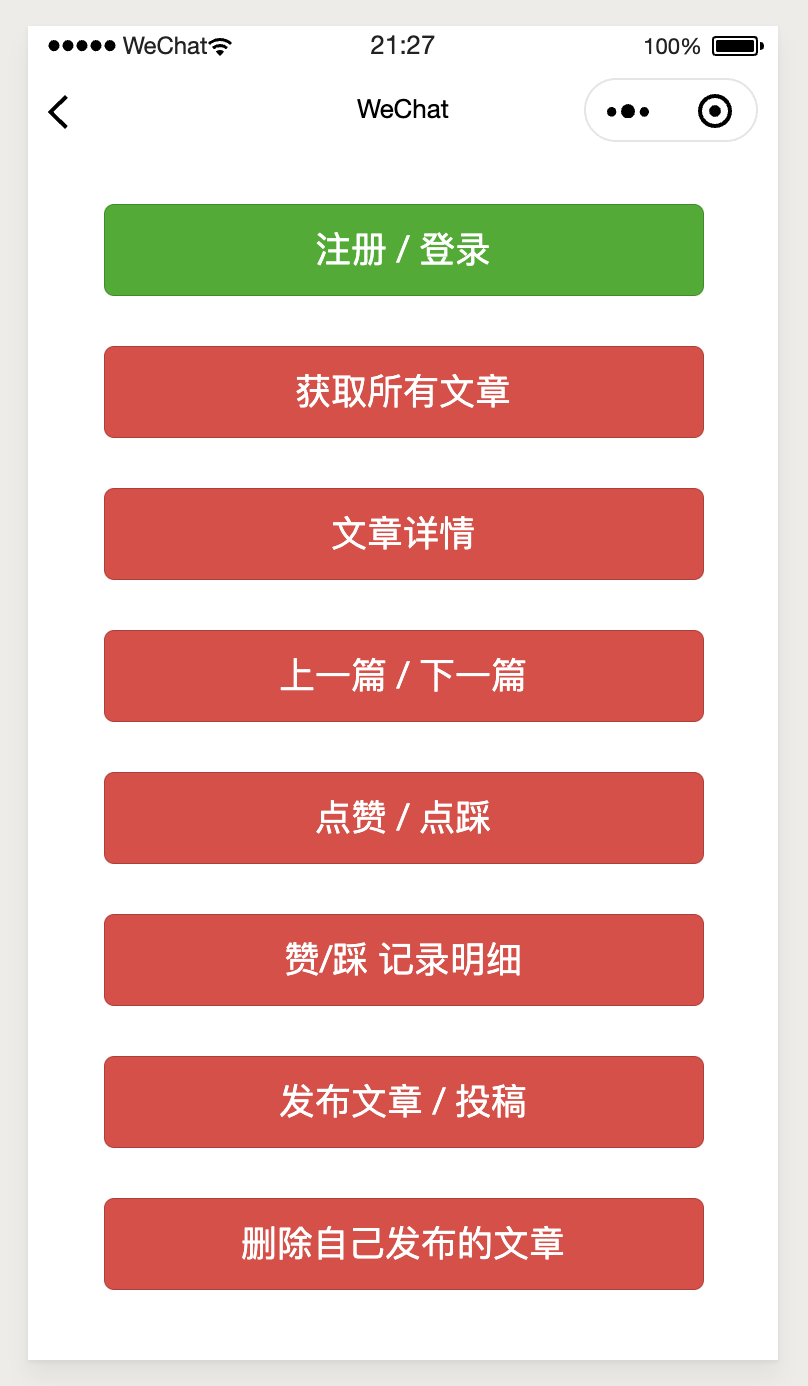
3. Support function points: paginated list of articles, get details, like, dislike, like, dislike, find useful, find useless, obtain support rate list of both parties, article submission, modify or delete your own submitted articles;
4. Display on the mini program;
# Enable the "CMS classification information module" module
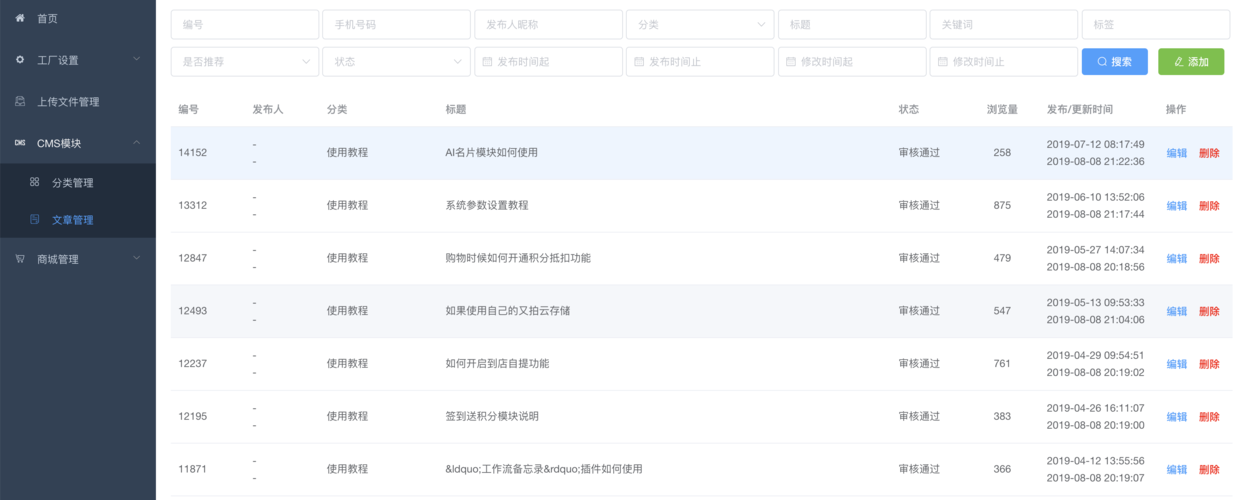
Log in to the "First Step" registration background, left menu --> Factory settings --> Module management
Find the "CMS Classification Information Module" module, click "Enable Module", then F5 to refresh the background interface, you will see the new menu:
"CMS Module" --> "Article Management";
# Mini program screenshot:
```plain
```
# Mini program code:
```plain
const WXAPI = require('apifm-wxapi')
WXAPI.init('gooking')
Page({
data: {
},
onLoad: function (options) {
},
onShow: function () {
},
cmsCategories() { // Read all classification data
WXAPI.cmsCategories().then(res => {
console.log(res)
if (res.code == 0) {
wx.showToast({
title: 'Read successfully',
icon: 'success'
})
} else {
wx.showToast({
title: res.msg,
icon: 'none'
})
}
})
},
cmsCategoryDetail() { //Read detailed data of a certain category
const cmsCategoryId = 3189 //Record ID in the record
WXAPI.cmsCategoryDetail(cmsCategoryId).then(res => {
console.log(res)
if (res.code == 0) {
wx.showToast({
title: 'Read successfully',
icon: 'success'
})
} else {
wx.showToast({
title: res.msg,
icon: 'none'
})
}
})
},
})
```
> WXAPI.init('gooking') This code links your mini program to your backend, where gooking is your exclusive domain name (please check the chapter about exclusive domain names in the preface);
>
_Done! _
# think
Combined with the previous article:
["The mini program adds the classification function of articles/news/information/dynamics, supporting unlimited levels"](https://www.yuque.com/apifm/doc/wsezkg)
Try to implement a small and complete applet product!
_For more detailed parameters and descriptions in the above methods, you can view the following interface documents: _
["api interface document"](#)
_No back-end programming is required, as long as you have a good idea, you can quickly implement it! _
Looking forward to your progress!
grateful!