```javascript
WXAPI.cmsPage('key')
```
You can read the single page data published in the background:
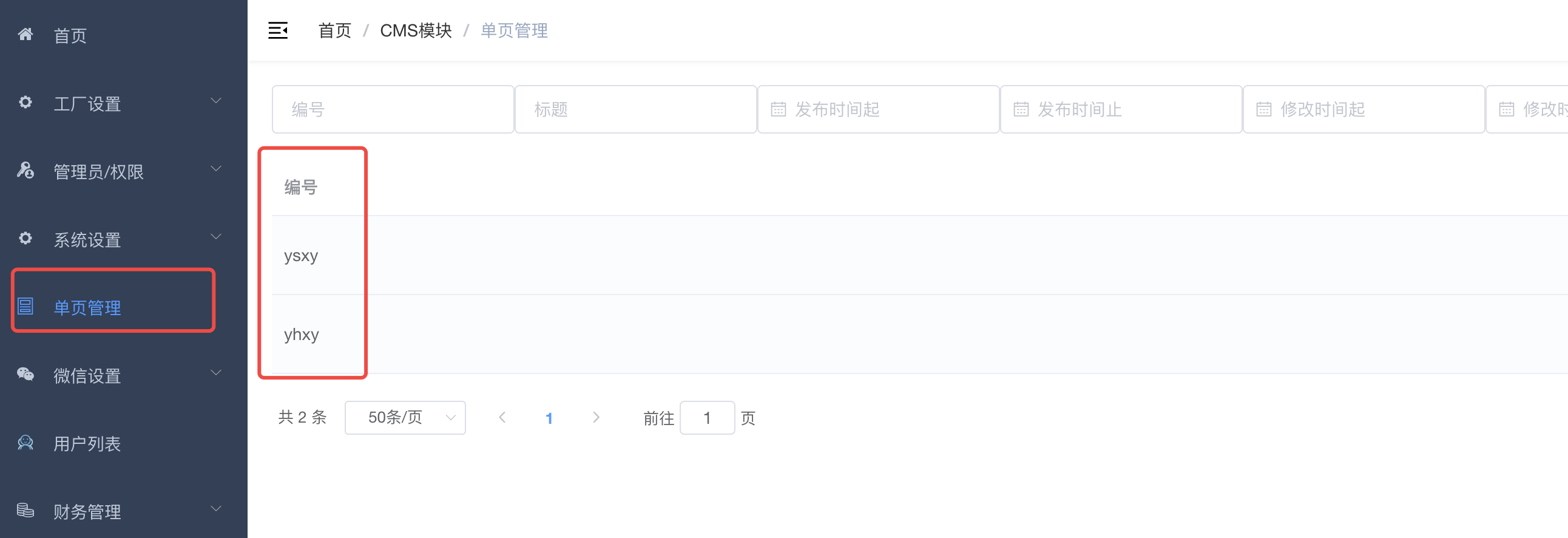
The number in the picture above is the `key` that needs to be passed in to the interface.
Return example:
```json
{
"code": 0,
"data": {
"extJson": {},
"info": {
"content": "
1
",
"dateAdd": "2021-10-09 14:46:09",
"id": 9065,
"key": "1",
"title": "1",
"type": 0,
"userId": 2
}
},
"msg": "success"
}
```
+ content the content of the text editor
+ title title
+ Extended attributes set by extJson background